
Project 1: Colorizing the Prokudin-Gorskii Photo Collection
Overview
This project aligns digitized glass plate negatives from Sergei Mikhailovich Prokudin-Gorskii into modern color images.
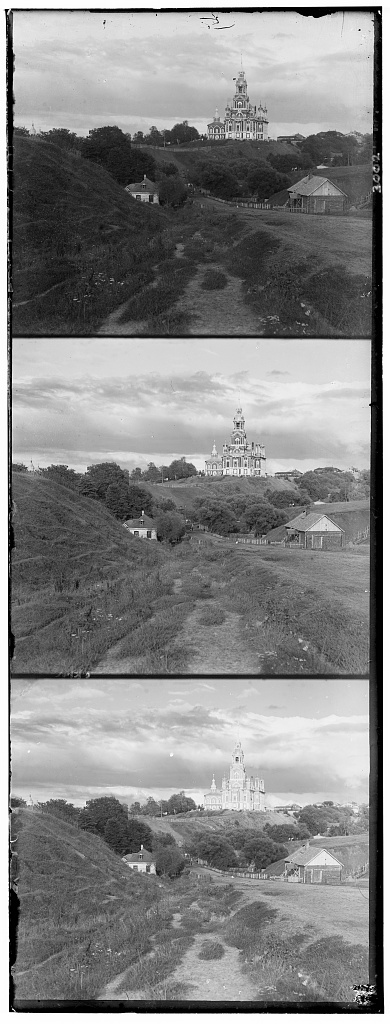
Each input file contains three grayscale channels stacked vertically in the order Blue, Green, Red, an example shown below:
Approach
I implemented both a single-scale exhaustive search and a pyramid-based approach for high-resolution images.
The difference bewteen these two approaches is conceptually simple. The single-scale search is a simple iterative search that
aligns one layer to another in variable step size, finally reutrning the alignment that produced the
best score for some predefined metric.
The pyramid-based search is pretty much the same thing and does indeed use the simple iterative search in it's execution, but
we instead optimize for large images. We downscale and convolute images repeatedly, gaining a collection of
images that are decreasingly resolutioned than the original. The iterative alignments for those downscaled and blurred
images are then used to define the search neighborhoods as we move up the pyramid, decreasing the necessary search space.
To evaluate alignments, I used two metrics:
L2 norm (pixel-wise difference, smaller is better) and
Normalized Cross Correlation (NCC) (dot product of normalized, zero-centered images, larger is better).
Since np.roll wraps pixels around, I added helper functions to compute metrics only over true overlapping regions.
For large .tif images, I used a Gaussian pyramid: aligning at coarse scale and then refining at finer scales.
Function Explanations
-
Below I present each of the main scoring metric functions that I used and implemented in this project:
l2_norm(layer1, layer2)Computes the Euclidean distance (sum of squared pixel differences, square-rooted) between two image layers. Purpose: Scoring metric for alignment; a lower value indicates better similarity.norm(x)A helper that computes the L2 magnitude of an array (√(Σ x²)). Purpose: Used to normalize arrays inside NCC so that dot products compare direction instead of magnitude.ncc(layer1, layer2, eps)Normalized Cross Correlation. Zero-centers both layers (subtract mean), flattens them withravel(), and takes a dot product. Purpose: Returns a similarity score where higher is better. The smallepsprevents divide-by-zero if a channel is flat._overlap_slices(shape, dx, dy)Given a shift(dx, dy), computes the slice indices for the true overlap region between two images. Purpose: Prevents wrap-around artifacts fromnp.rollby only comparing genuine overlapping pixels._score_on_overlap(A, B, dx, dy, metric, trim_frac)Another helper that uses_overlap_slicesto extract overlap regions, trims away borders by a fraction (to reduce edge artifacts), and evaluates with the given metric. Purpose: Produces a reliable score for how well two shifted channels align.-
iteratively_align_to_b(r, g, b, step_size, alignment_fxn, dx_init_r=0, dy_init_r=0, dx_init_g=0, dy_init_g=0, search_radius=None)
Purpose: Performs brute-force alignment of the Red and Green channels to the Blue channel, exploring a search window of pixel shifts and choosing the displacements that maximize similarity according to the chosen metric.
Parameters:r, g, b– 2D arrays representing the Red, Green, and Blue channels (grayscale slices extracted from the stacked input).step_size– Pixel step size for searching. A larger step size reduces runtime but sacrifices precision; a smaller step size improves precision but is slower.alignment_fxn– Function used to evaluate similarity (e.g.,l2_normorncc). Determines what “best alignment” means.dx_init_r, dy_init_r– Initial horizontal and vertical shift guesses for aligning the Red channel to Blue. Defaults to0, but can be passed down from pyramid search to refine alignment at higher resolutions.dx_init_g, dy_init_g– Same as above, but for the Green channel relative to Blue.search_radius– Maximum number of pixels (in each direction) to search around the initial guess. IfNone, defaults tomax(r.shape)//15, scaling with image size.
How it works:- For both Red and Green channels, the function iterates over all candidate displacements within the window defined by the initial guesses and
search_radius. - Each candidate shift is applied with
np.roll, and the overlapping region with Blue is extracted. - The chosen
alignment_fxn(e.g.nccorl2_norm) computes a similarity score. - The displacement producing the best score is recorded for that channel.
Pyramid integration: Thedx_init_r, dy_init_r, dx_init_g, dy_init_gparameters make the function reusable in a multi-scale pyramid search: alignments at coarse scales are passed in as initial guesses at finer scales, reducing the search space and improving efficiency.
Returns:- The aligned RGB image
im_out, formed by stacking the best-shifted Red and Green with the original Blue. - Shift vectors for both Red (
(dx_r, dy_r)) and Green ((dx_g, dy_g)) relative to Blue.
pyramid_convoluter(image)Applies a Gaussian blur with a 3×3 kernel to an image. Purpose: Smooths out noise before downsampling in the pyramid, preventing aliasing.downsample(image)Reduces resolution by selecting every other pixel in both dimensions. Purpose: Creates smaller versions of the image for coarse alignment.pyramid_level_creator(image, levels)Builds a Gaussian pyramid by repeatedly blurring and downsampling. Purpose: Produces multiple resolutions of the image for efficient coarse-to-fine alignment and stores them in an array to use for the next function.-
pyramid_align_to_b(r, g, b, levels, alignment_fxn, step_size=1, pyramid_search_radius=5)
Purpose: Aligns the Red and Green channels to the Blue channel using a multi-resolution (pyramid) approach. This method is much faster and more robust for high-resolution images than single-scale exhaustive search.
Parameters:r, g, b– 2D arrays representing the Red, Green, and Blue channels.levels– Number of pyramid levels to create. Higher values give more coarse-to-fine refinement, but increase preprocessing cost.alignment_fxn– Similarity metric (l2_normorncc) used initeratively_align_to_bto evaluate alignment quality.step_size– Pixel step size passed down toiteratively_align_to_b. Controls how finely each level’s search space is explored.pyramid_search_radius– Search radius (in pixels) at each pyramid level. Because the alignment is initialized from coarser levels, this radius can be relatively small.
How it works:- Pyramid construction: Each channel (
r, g, b) is passed topyramid_level_creator, which repeatedly downsamples and blurs the image to produce a stack of progressively lower-resolution versions. The coarsest (smallest) image is at the highest pyramid level. - Initialization: At the coarsest pyramid level, shifts for Red and Green are initialized to (0,0). This provides a starting point for alignment.
- Coarse-to-fine alignment: The algorithm iterates from coarse levels → fine levels (looping
reversed(range(levels))):- At each level, the downsampled Red and Green are aligned to the downsampled Blue using
iteratively_align_to_b. - The shifts found at this level are multiplied by 2 (
shift * 2) before being passed asdx_init/dy_initto the next level. This scaling accounts for the doubled resolution at finer levels. - Because the initialization is already close to the true solution, only a small search radius (
pyramid_search_radius) is needed at each level.
- At each level, the downsampled Red and Green are aligned to the downsampled Blue using
- Final refinement: After reaching the full-resolution images, one last call to
iteratively_align_to_brefines the alignment using the accumulated shifts as initialization. This ensures sub-pixel-accurate results at the original image size.
Returns:final_img– The aligned composite RGB image, built by stacking the best-shifted Red and Green with the Blue channel.shift_r– Final displacement vector (dx_r, dy_r) for Red relative to Blue.shift_g– Final displacement vector (dx_g, dy_g) for Green relative to Blue.
Why pyramid alignment works: Instead of searching the full-resolution image directly (which would require exploring thousands of candidate shifts), pyramid alignment solves the problem at coarse scales first. Each coarse solution provides a strong initialization for the next finer scale, dramatically reducing the search space. This makes alignment both faster and more reliable for very large images. crop_to_overlap(r, g, b, shifts_r, shifts_g)Crops each channel to the largest common overlapping window after alignment. Purpose: Removes invalid borders where some channels lack data. I didn't end up using it because it made it worse for some reason? I'm not sure why, but it's an interesting problem.basic_crop(img, border=40)Crops a fixed-width strip from every edge of the image. Purpose: Removes noisy borders, scanner artifacts, and black frames left over after alignment.
Here, I talk more about the
Here, I talk more about the Iterative Alignment Functions that I implemented:
Now, I talk more about the Pyramid-related code that I implemented:
Now, I talk more about the basic cropping code that I implemented:
Iterative Alignment Results
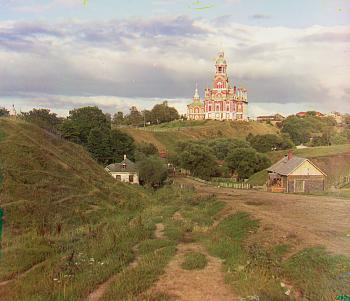
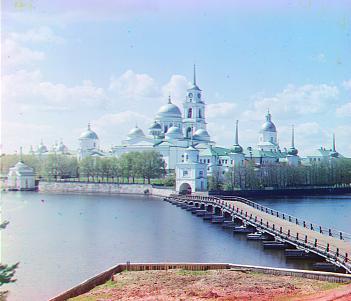
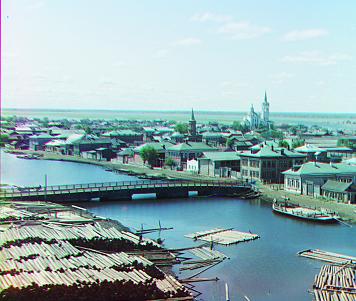
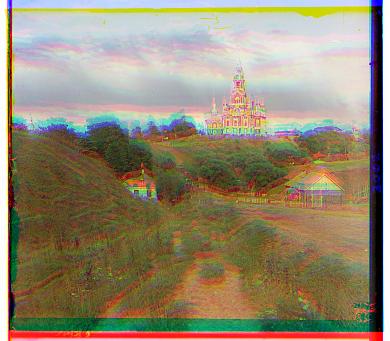
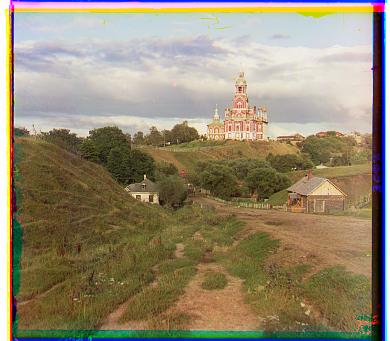
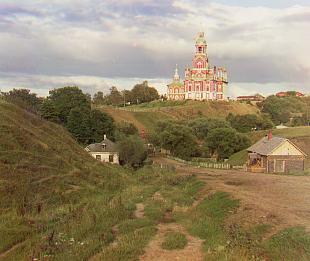
Before moving to the multi-resolution pyramid search, I also tested the simpler single-scale iterative alignment approach. Below are the results for three of the provided .jpg images: Cathedral, Monastery, and Tobolsk.
Cathedral (Iterative)
Best Red Shifts: (3, 12) | Best Green Shifts: (2, 5)
Monastery (Iterative)
Best Red Shifts: (2, 3) | Best Green Shifts: (2, -3)
Tobolsk (Iterative)
Best Red Shifts: (3, 6) | Best Green Shifts: (3, 3)
Pyramid Alignment Results
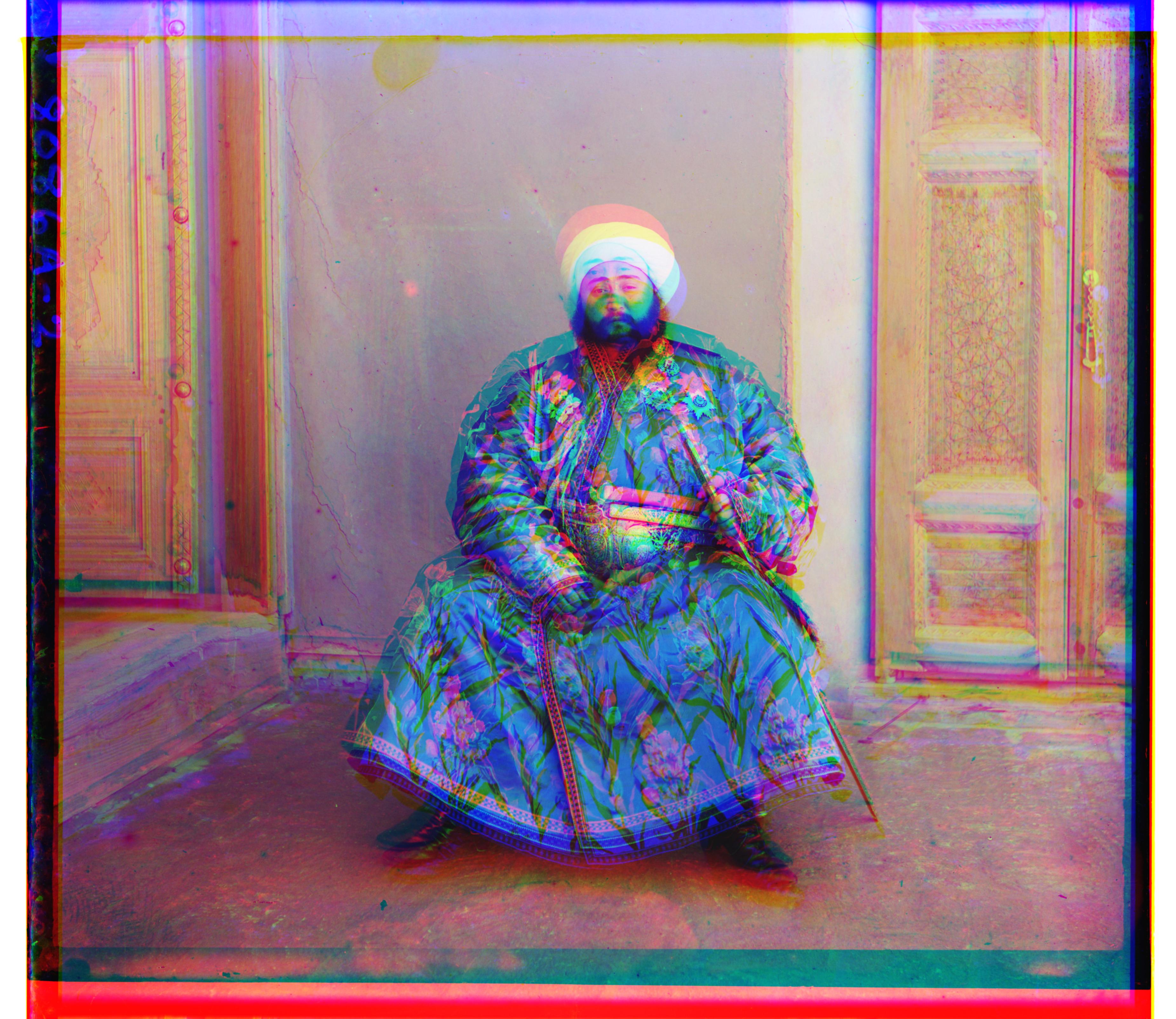
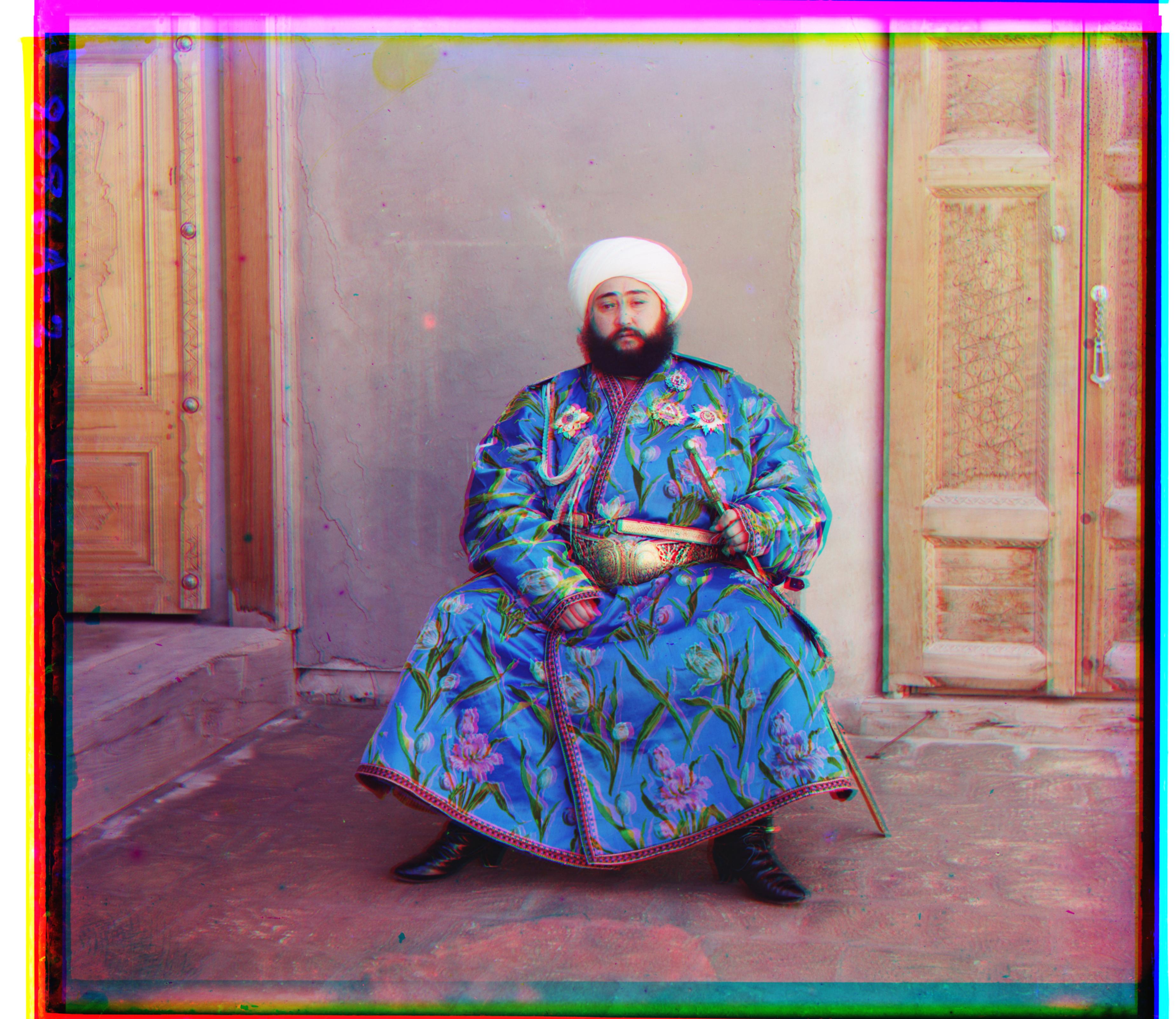
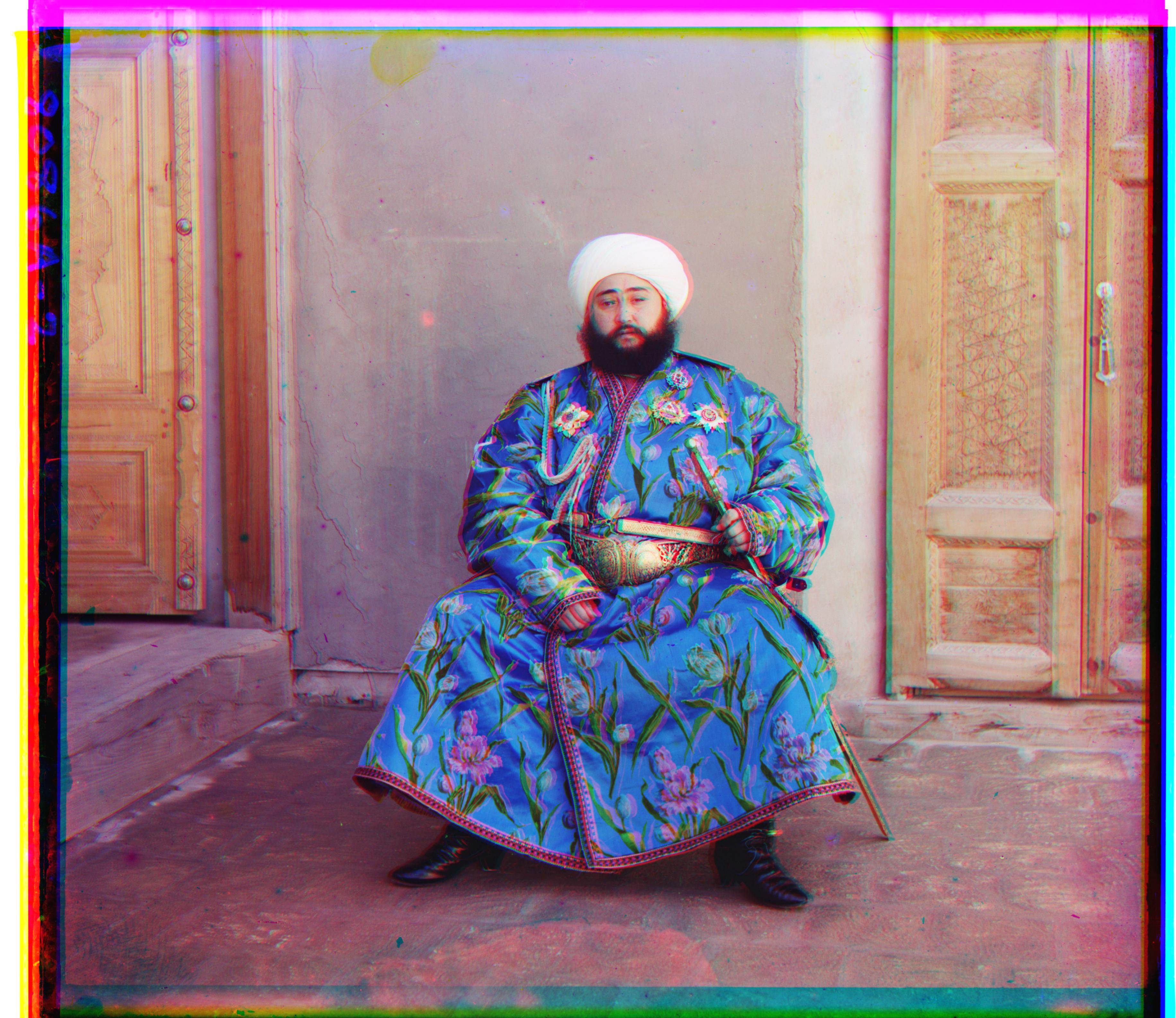
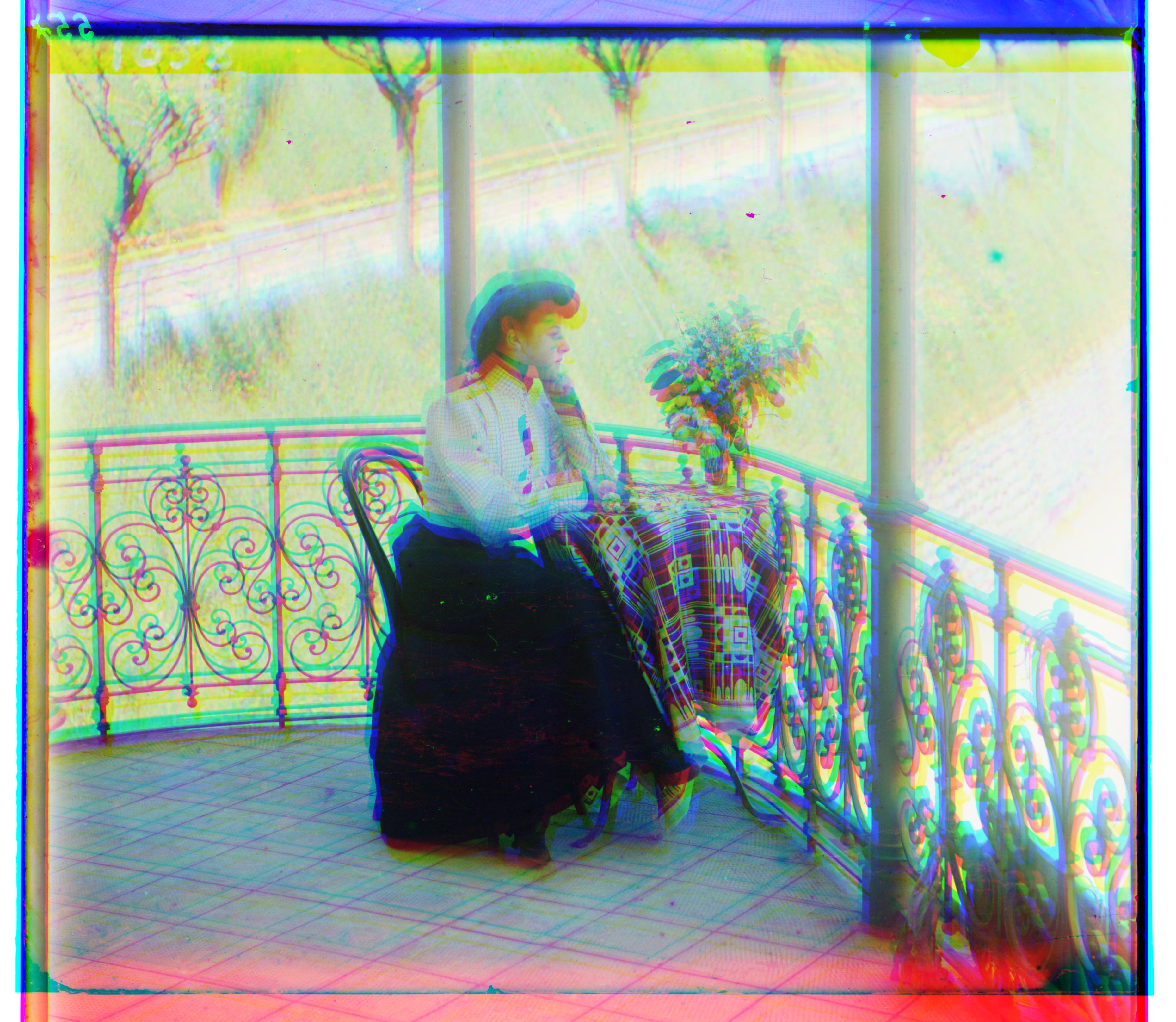
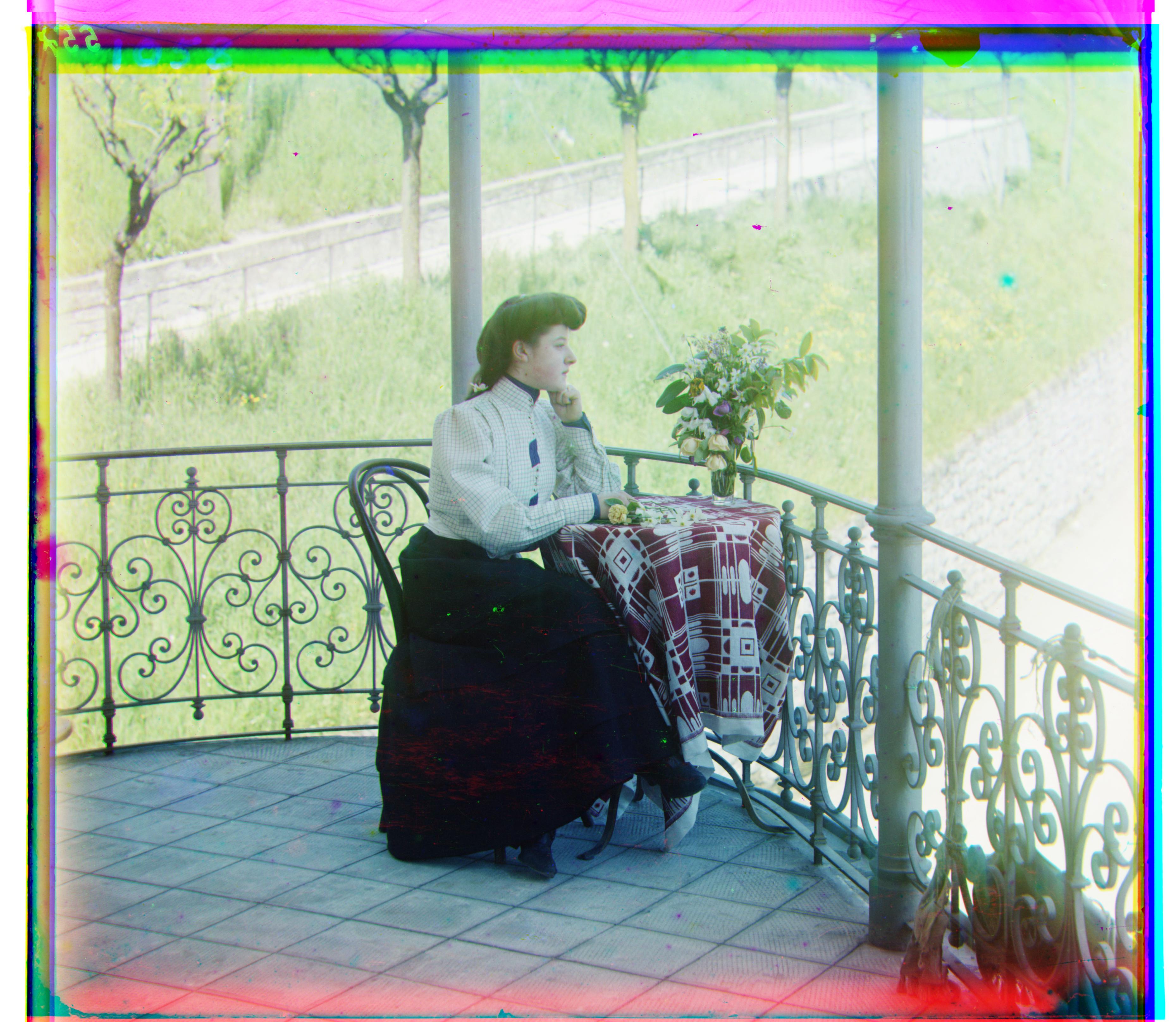
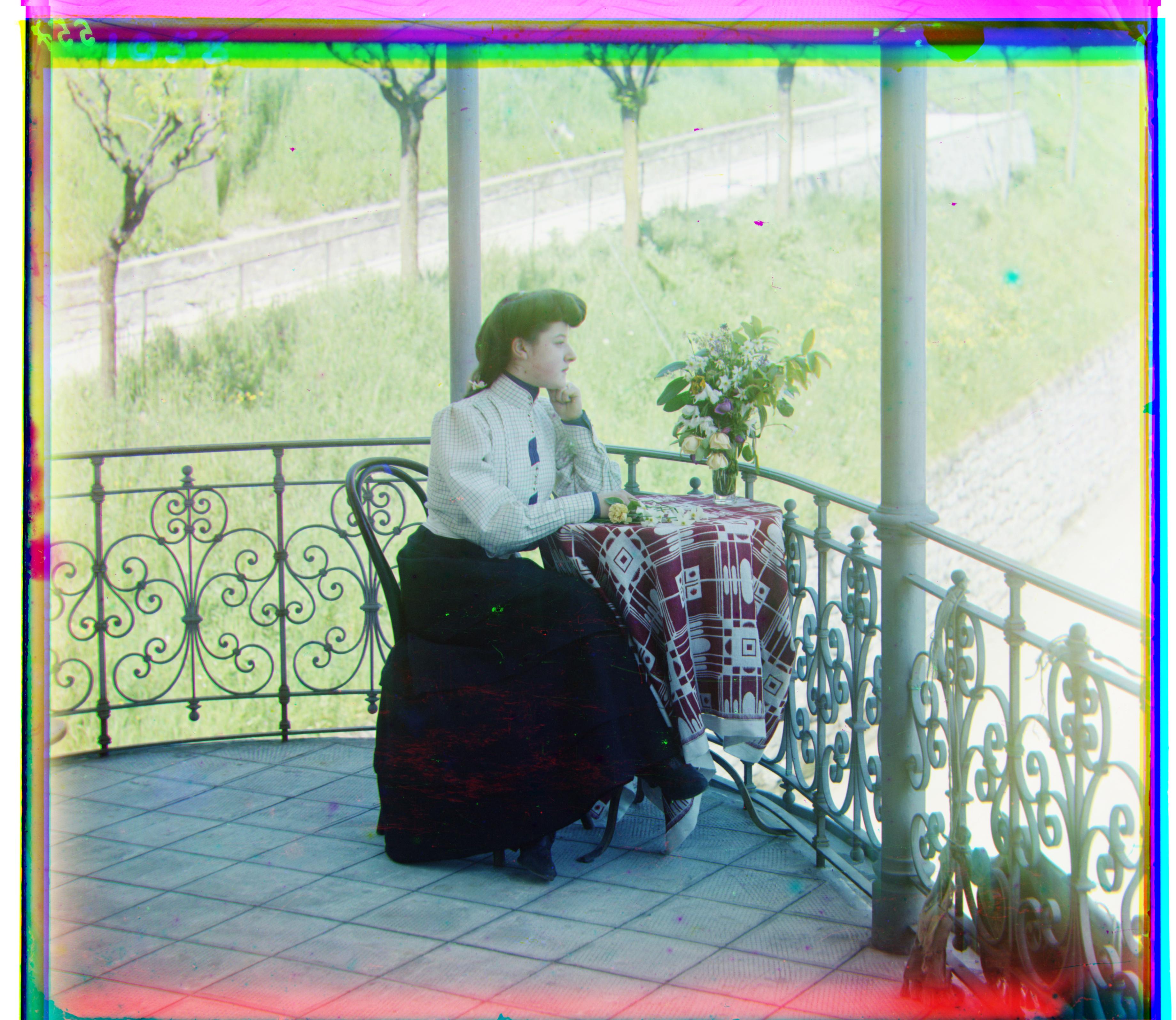
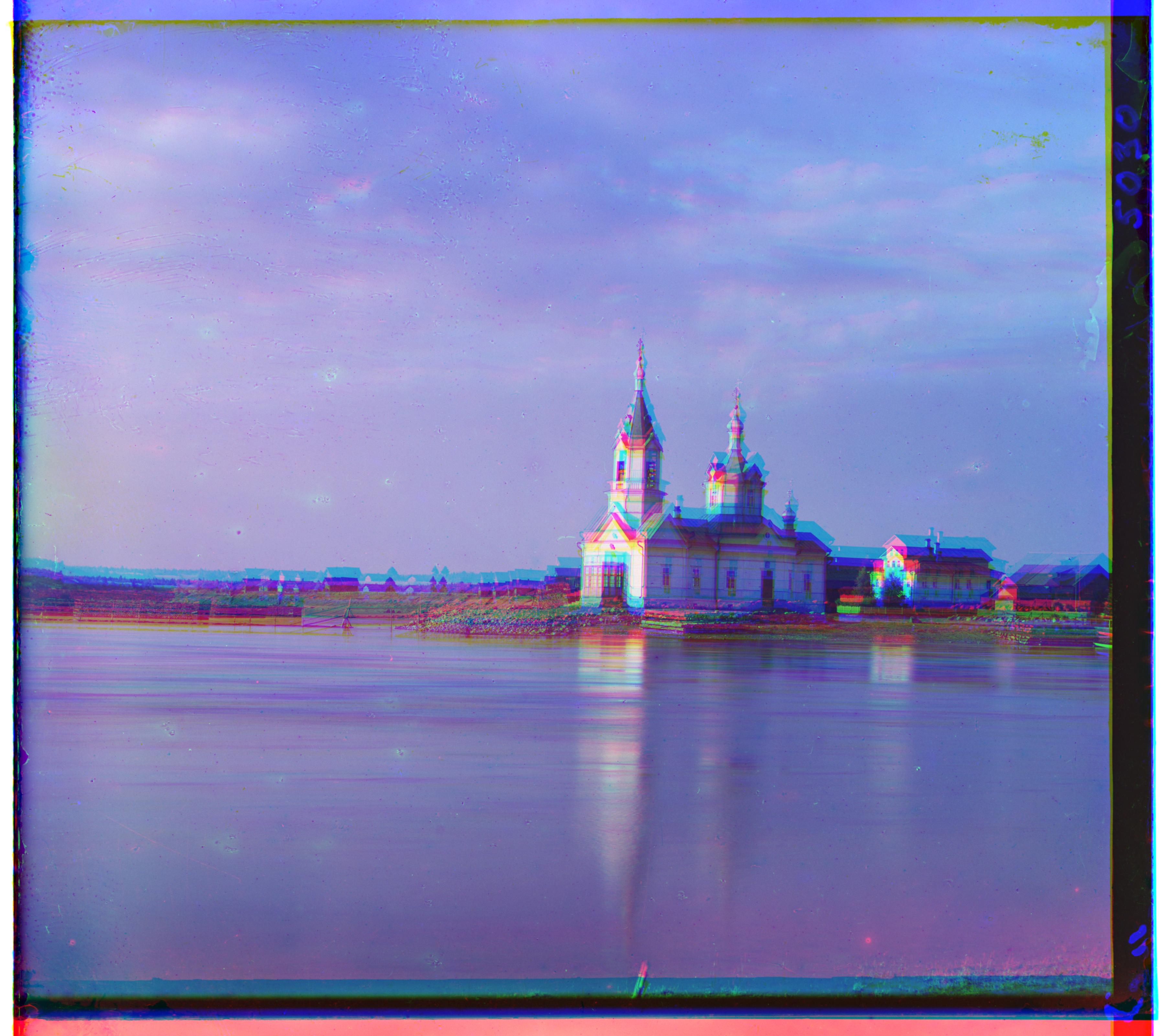
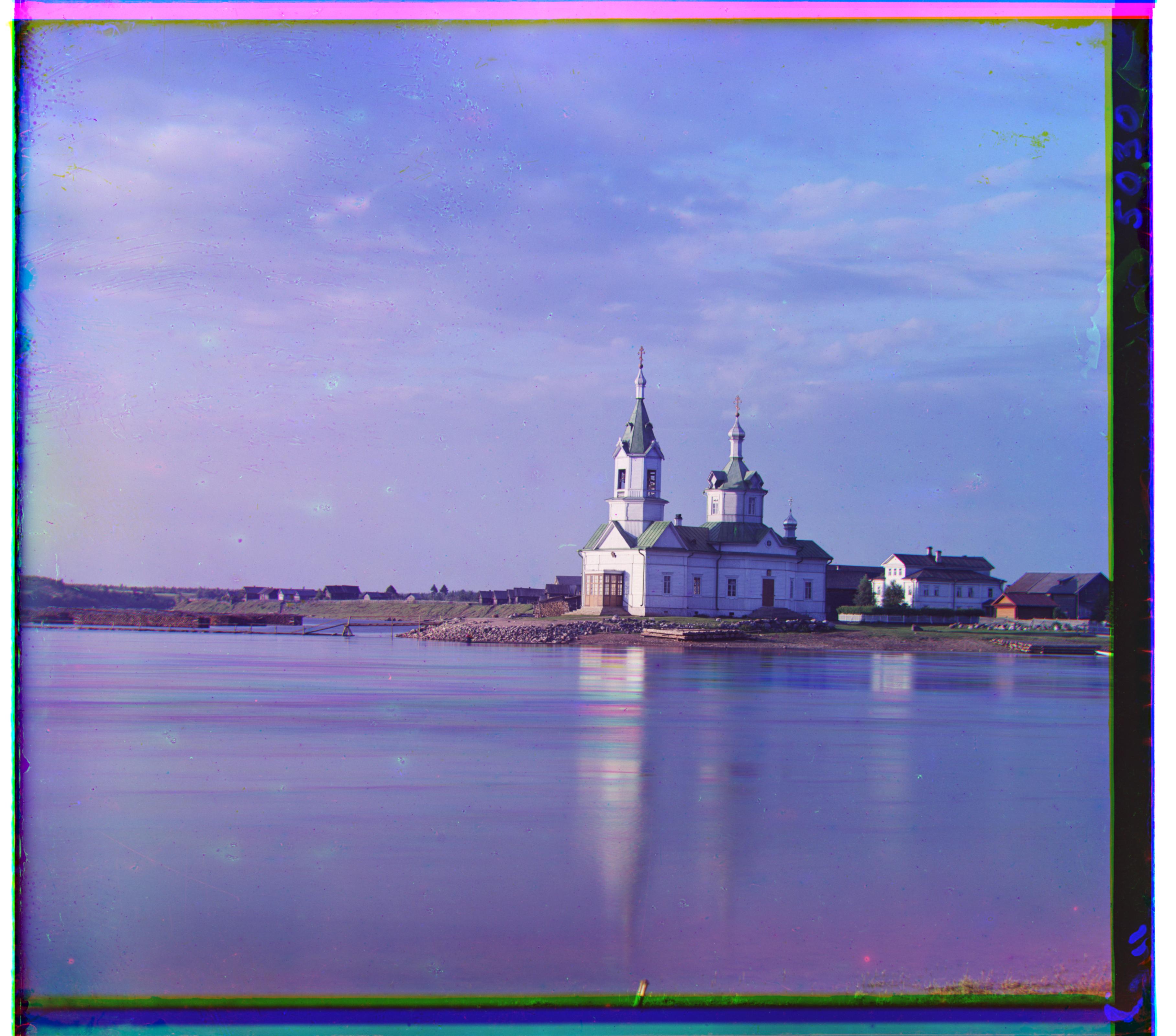
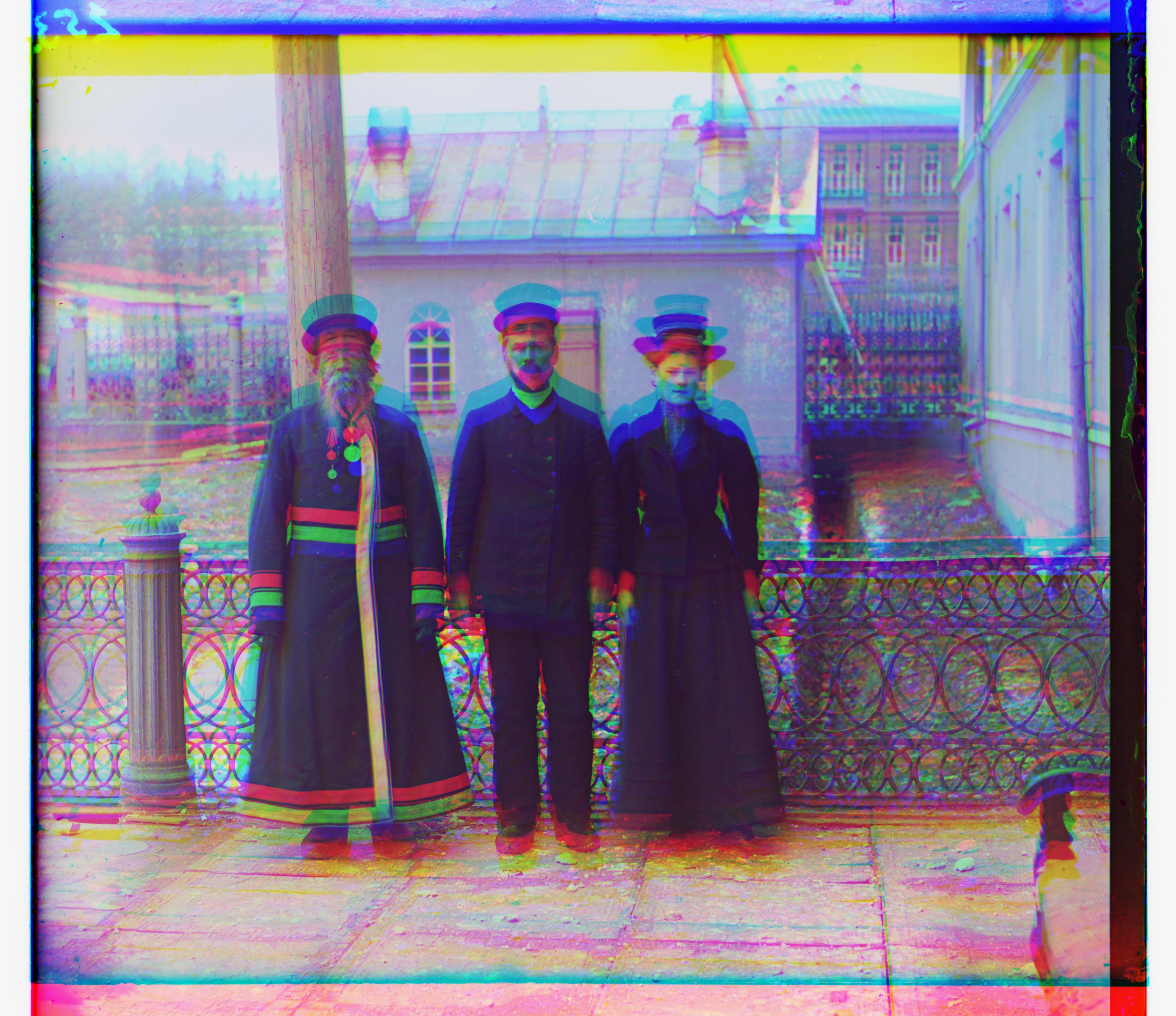
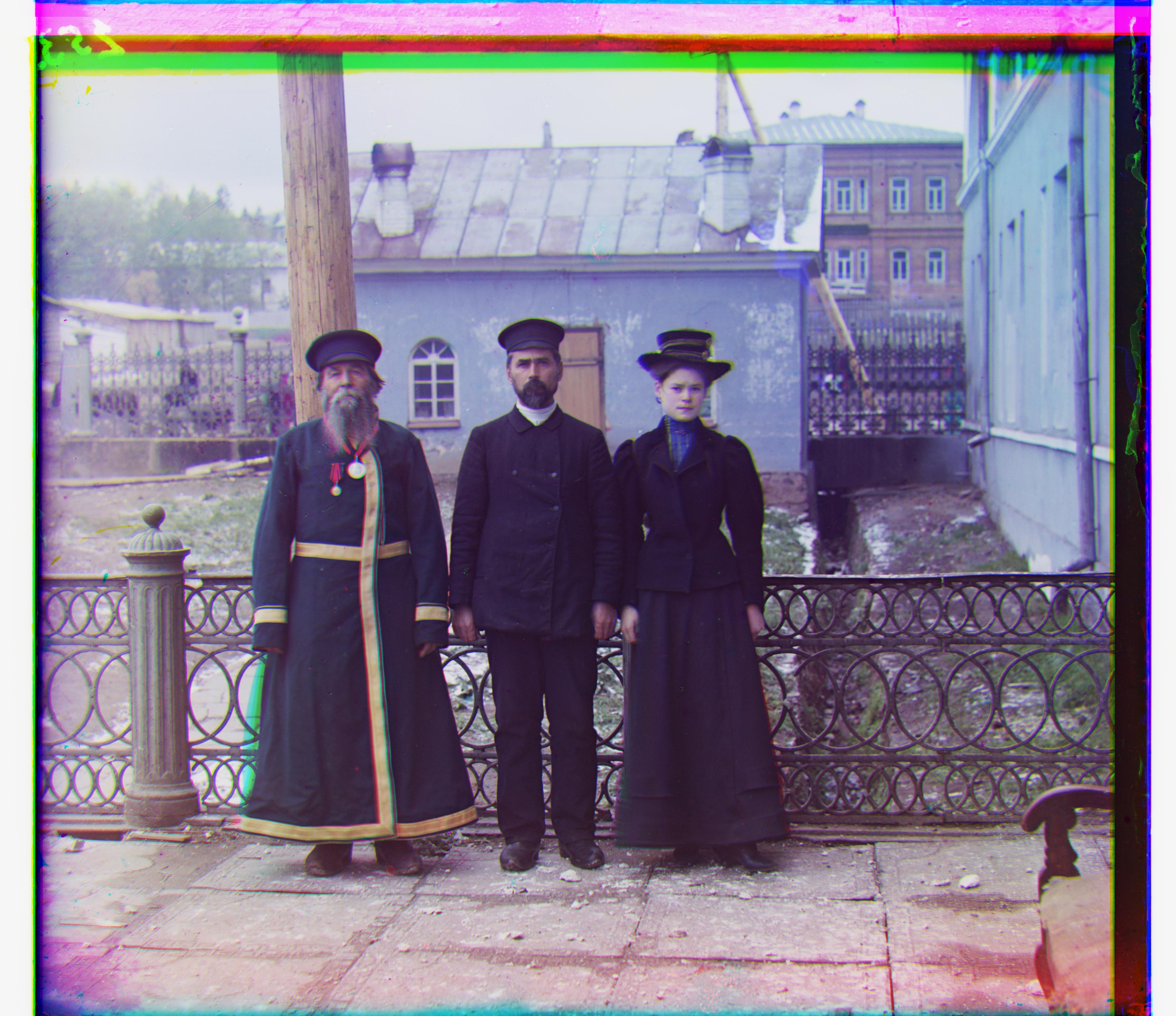
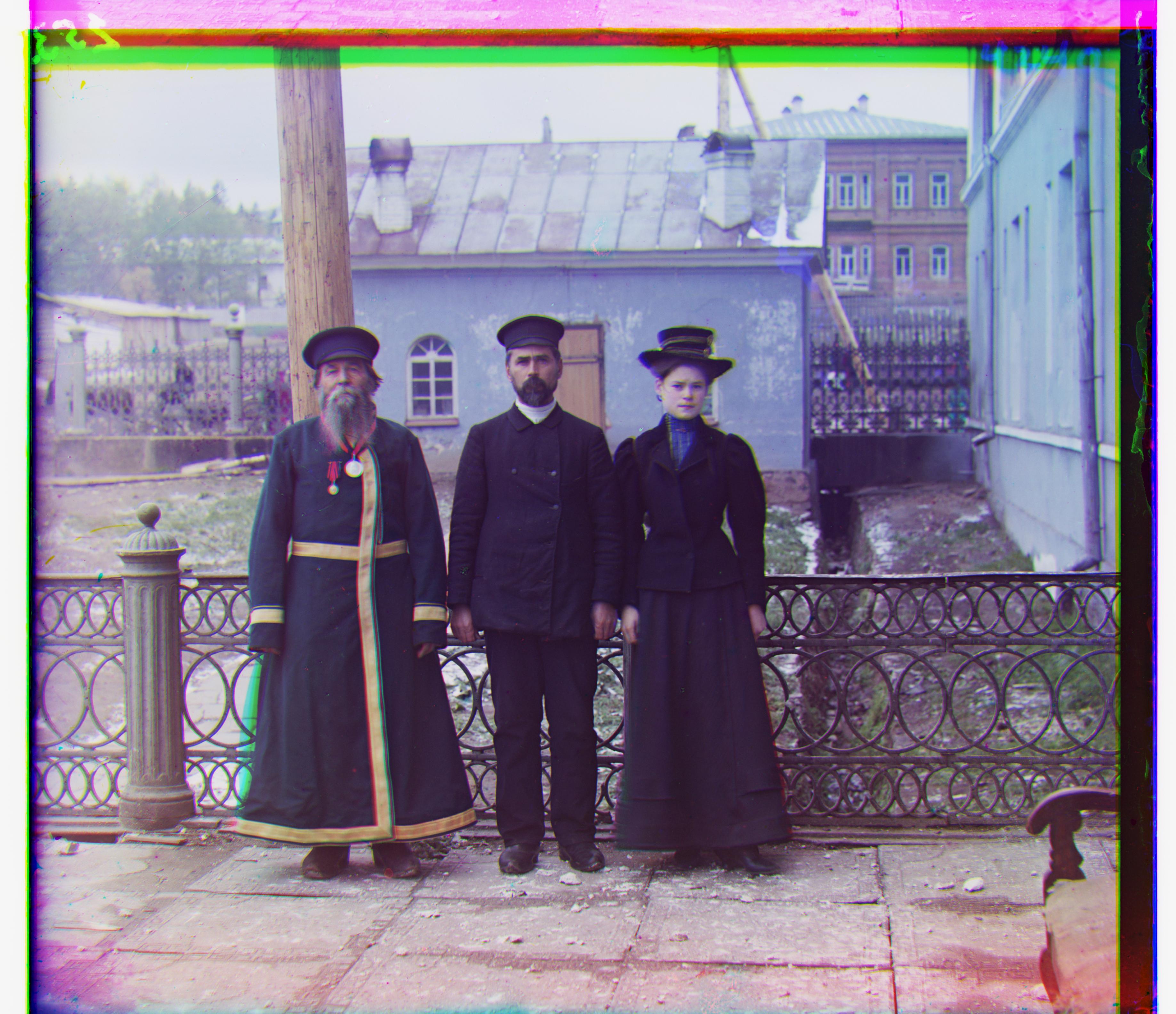
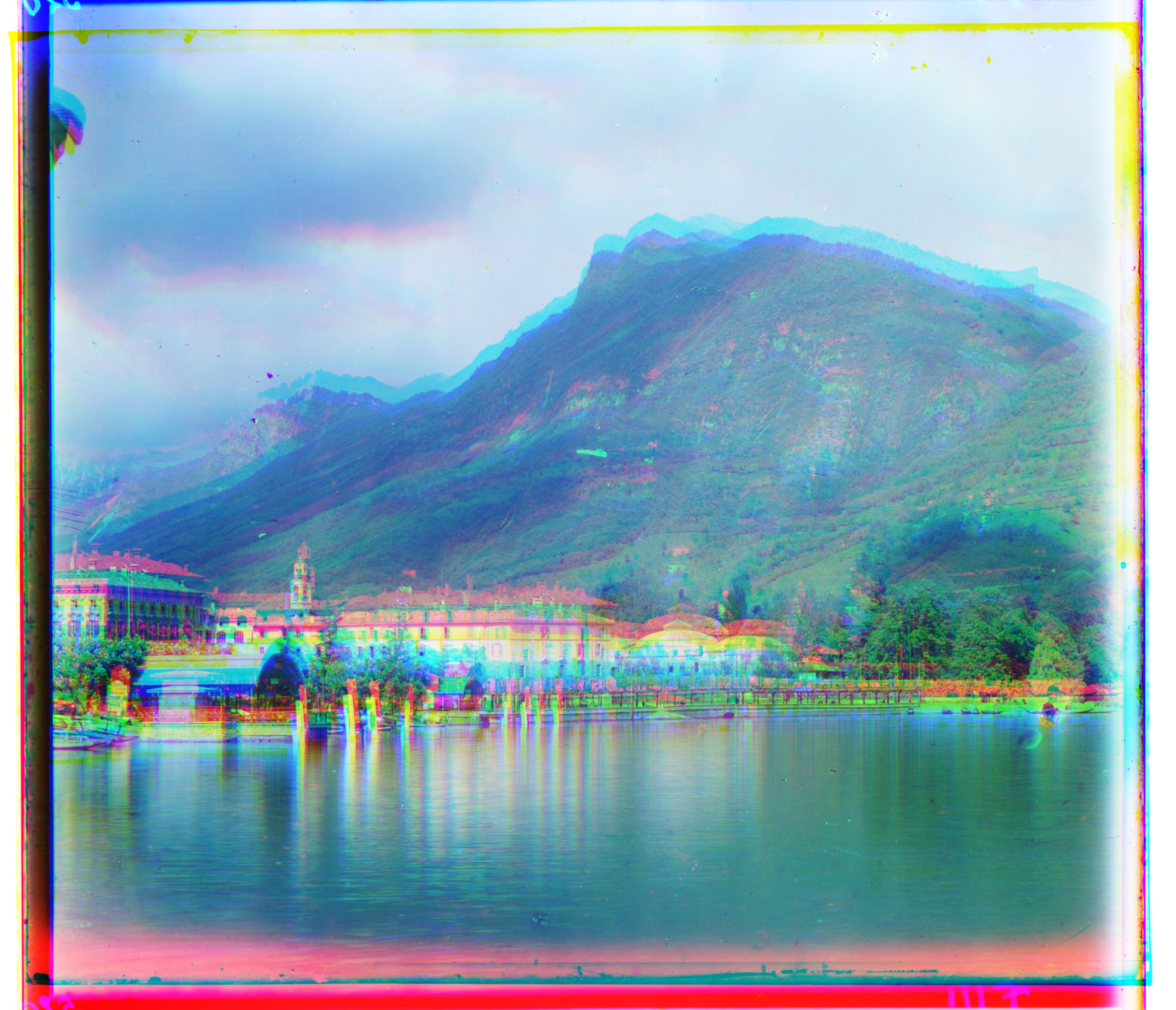
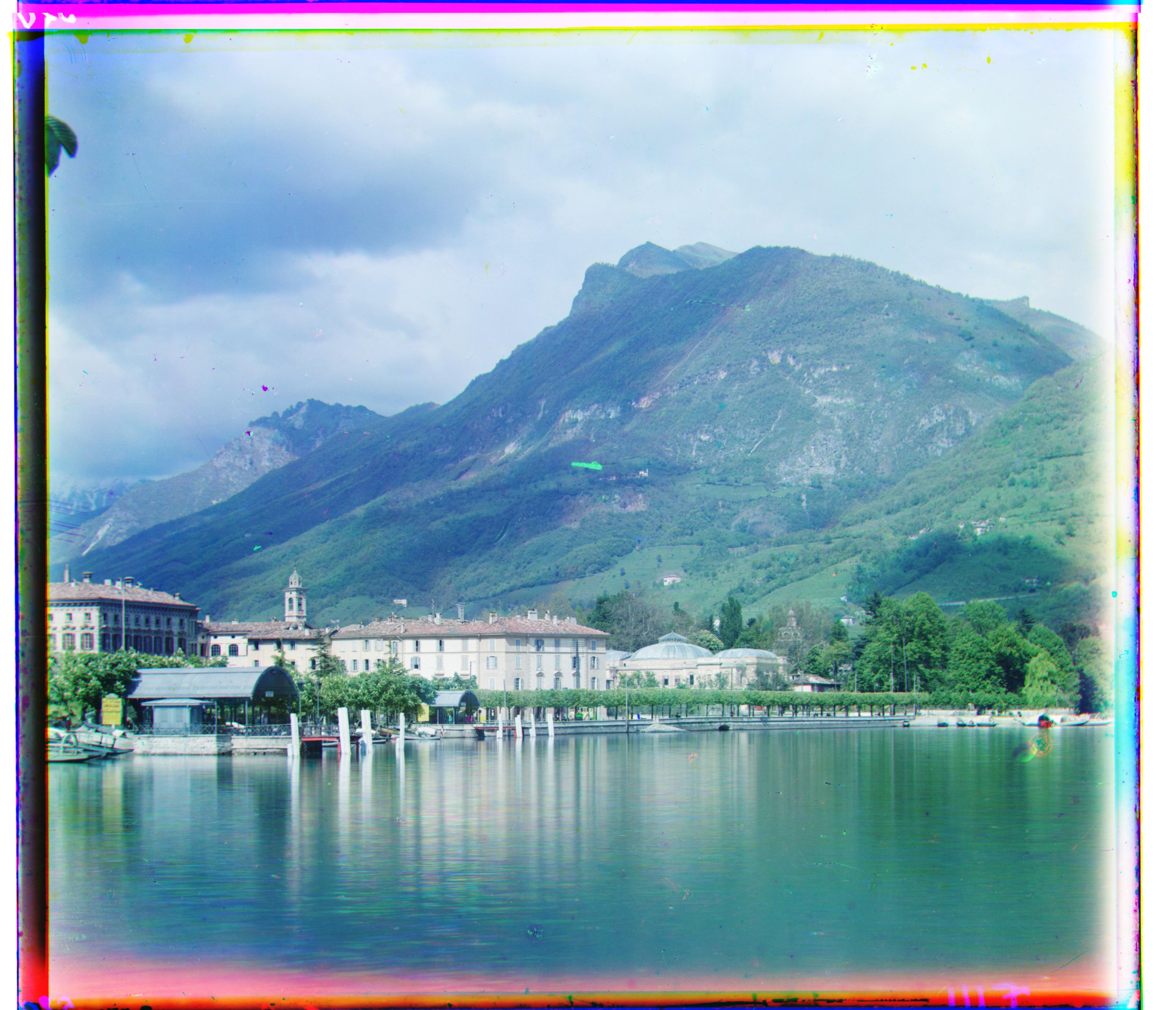
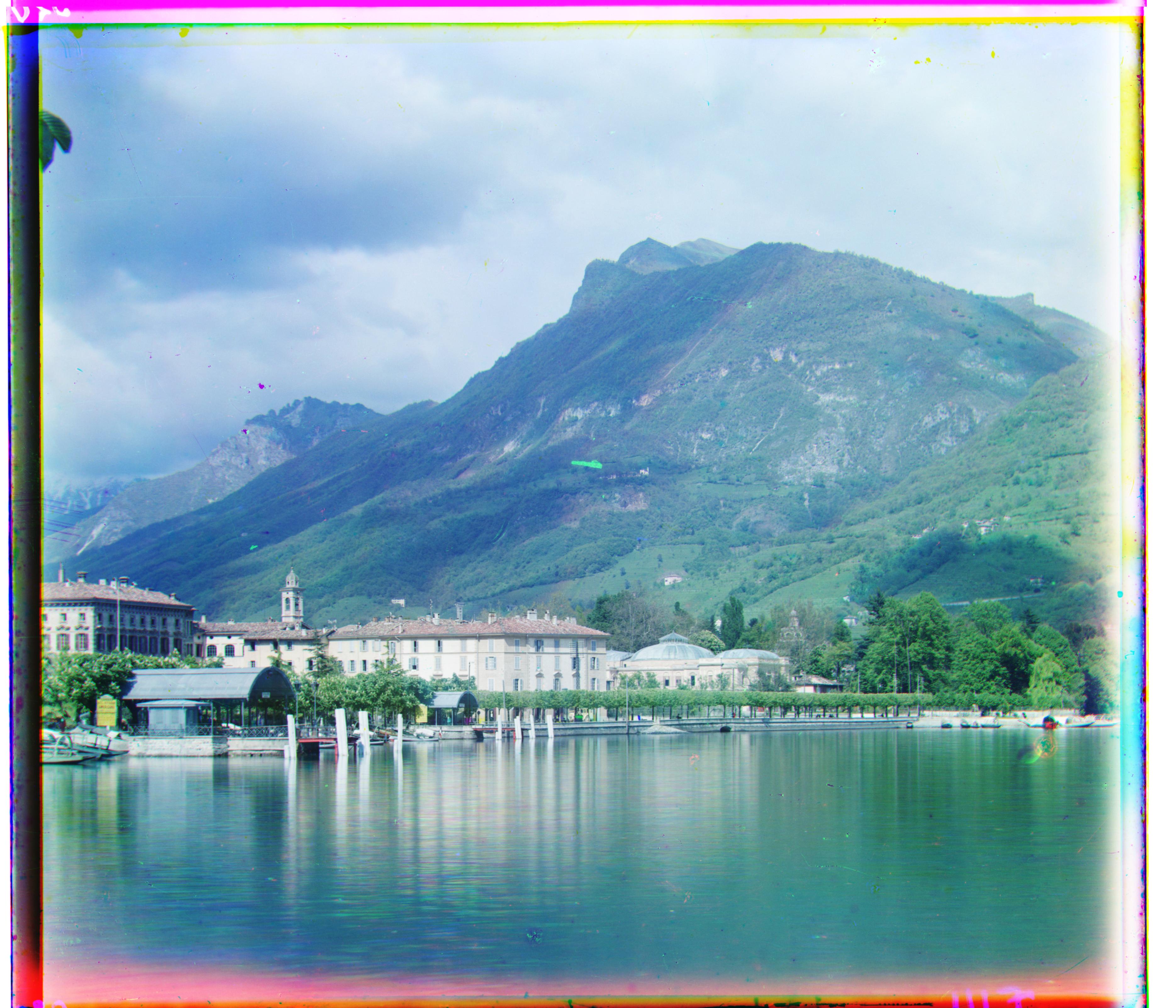
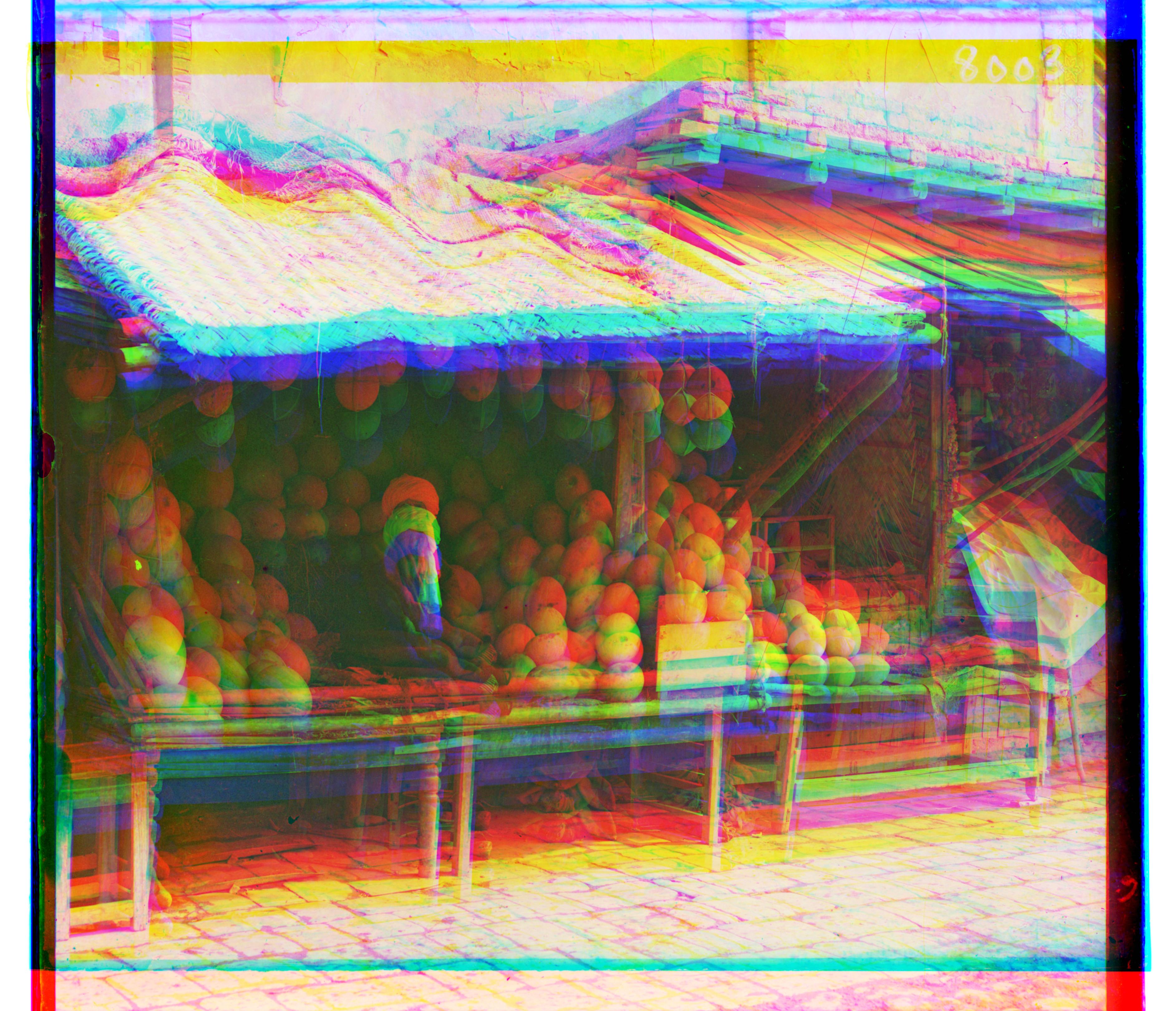
Here are results on all of the provided images. Each block shows the stacked (unaligned), uncropped (aligned), and cropped (final) versions, along with the best shifts I found.
Emir
Best Red Shifts: (57, 103) | Best Green Shifts: (24, 49)
Italil
Best Red Shifts: (35, 76) | Best Green Shifts: (21, 38)
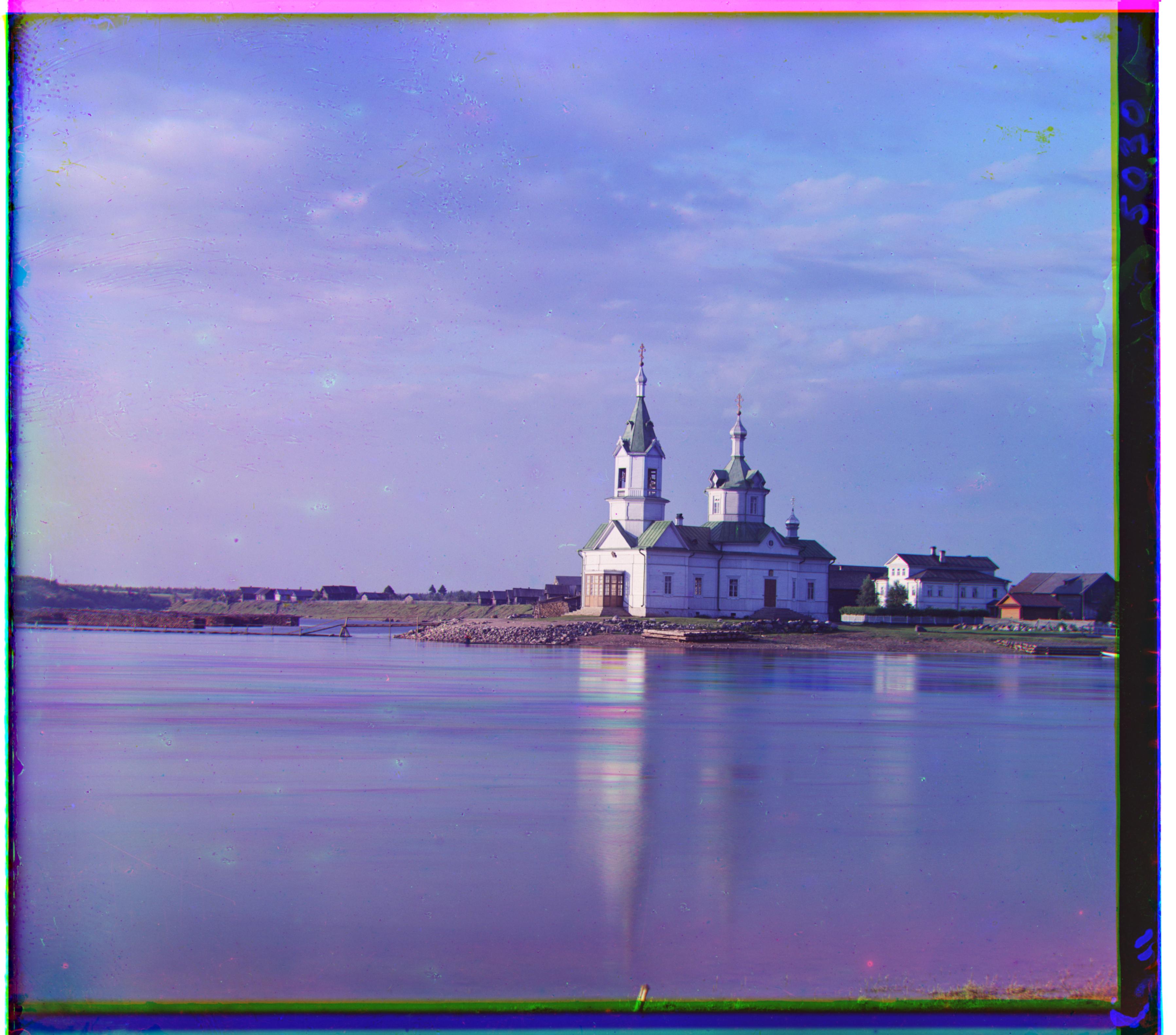
Church
Best Red Shifts: (-4, 58) | Best Green Shifts: (4, 25)
Three Generations
Best Red Shifts: (11, 112) | Best Green Shifts: (14, 53)
Lugano
Best Red Shifts: (-29, 93) | Best Green Shifts: (-16, 41)
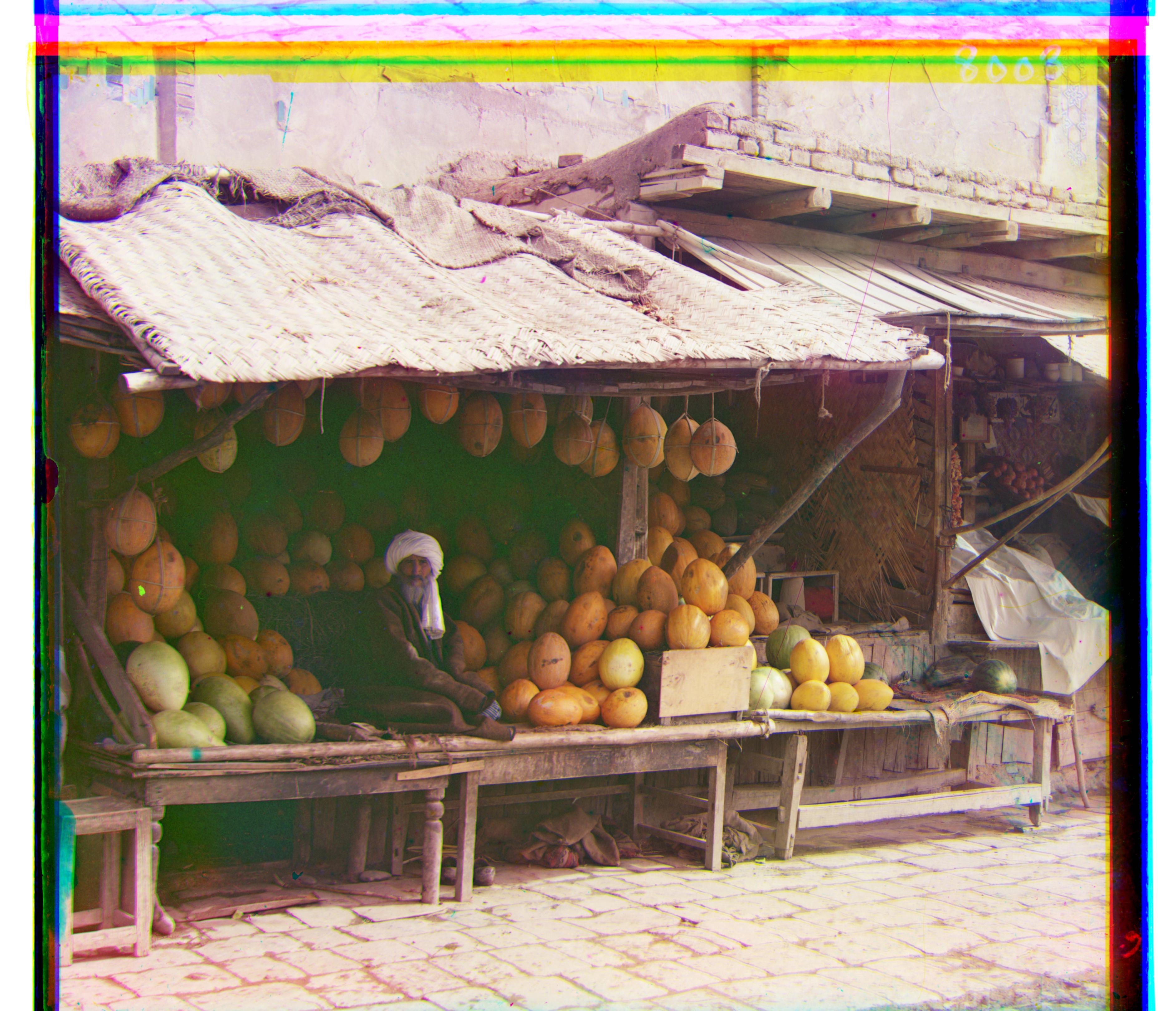
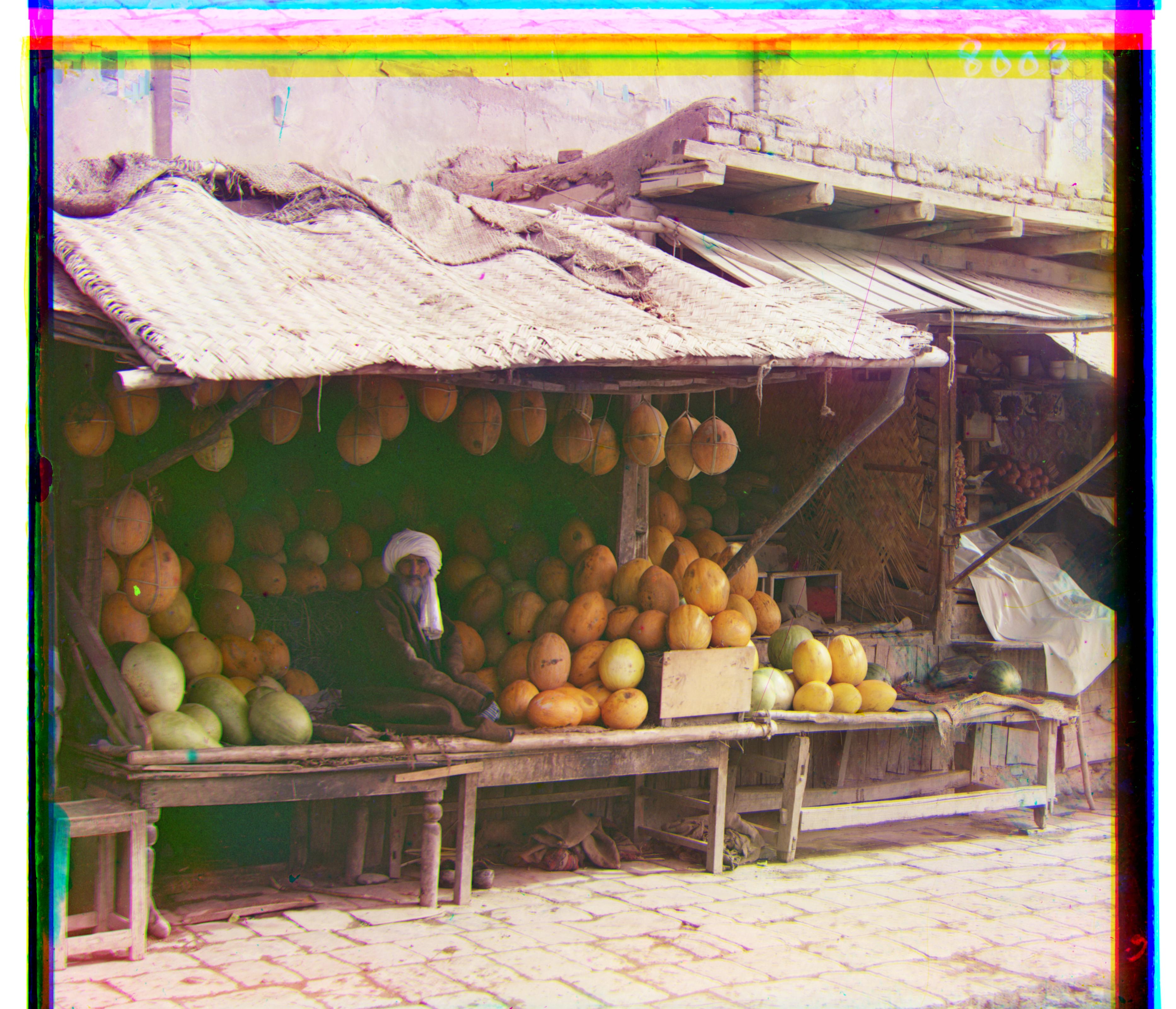
Melons
Best Red Shifts: (13, 178) | Best Green Shifts: (11, 82)
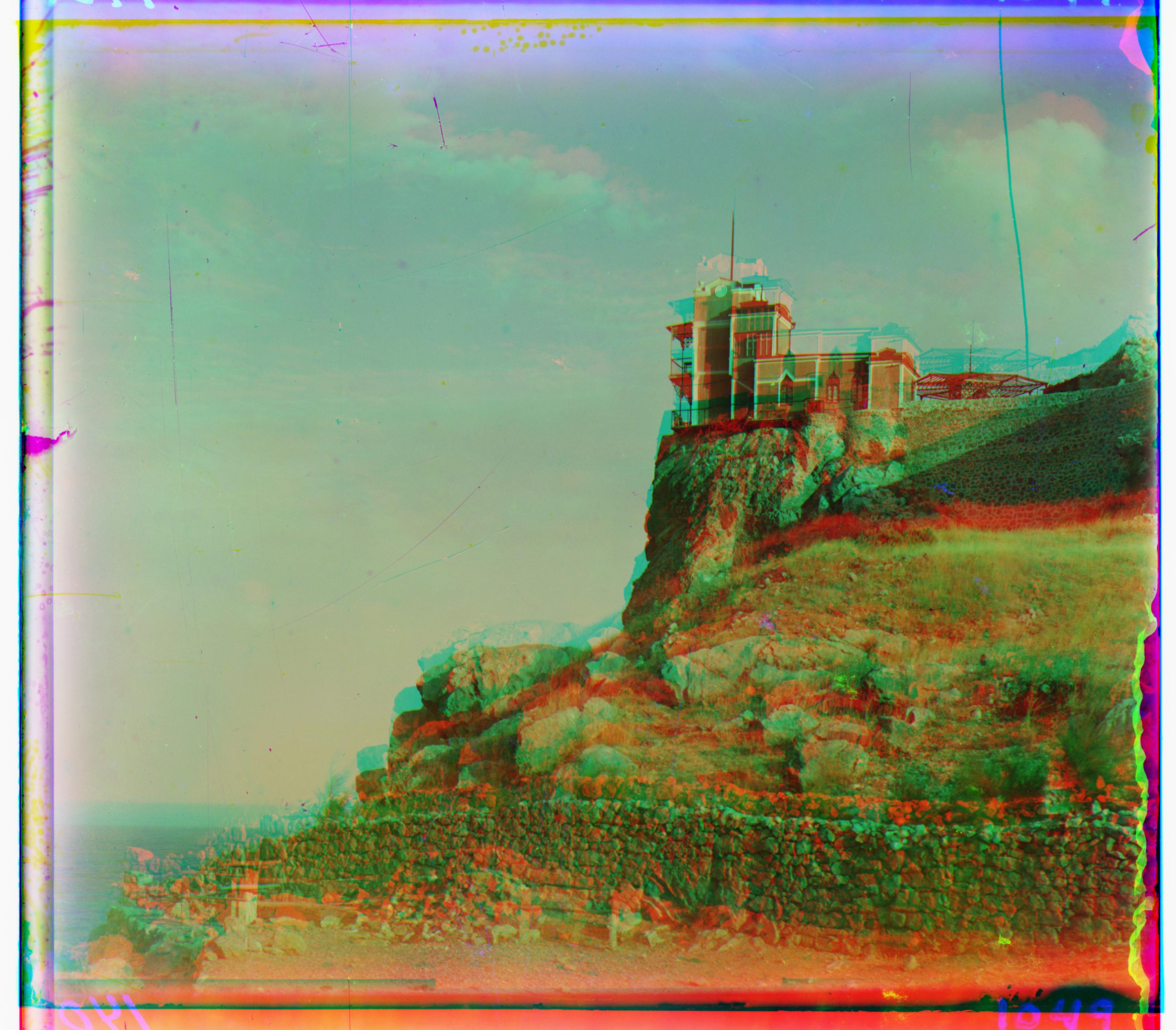
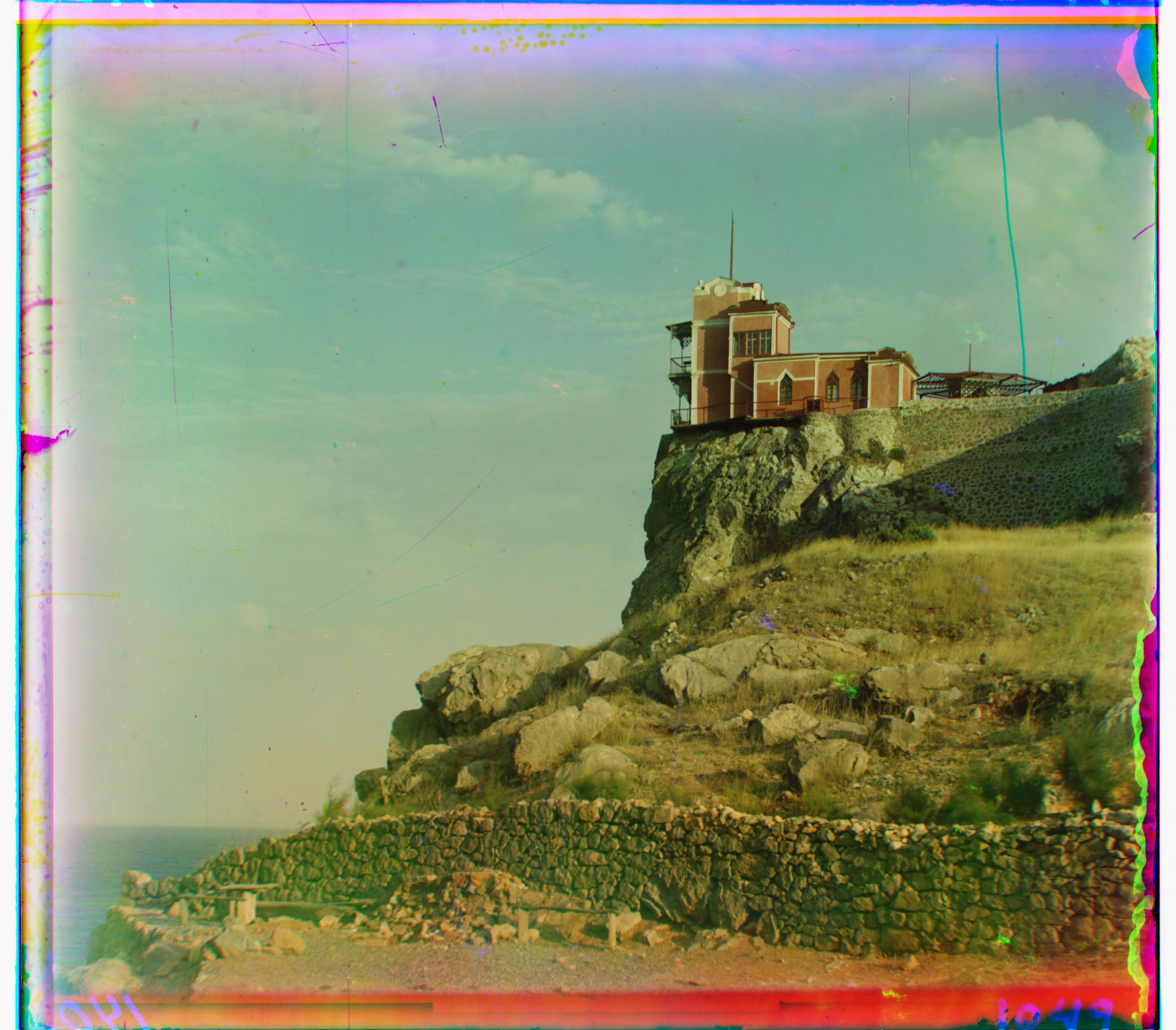
Lastochikino
Best Red Shifts: (-9, 75) | Best Green Shifts: (-2, -3)
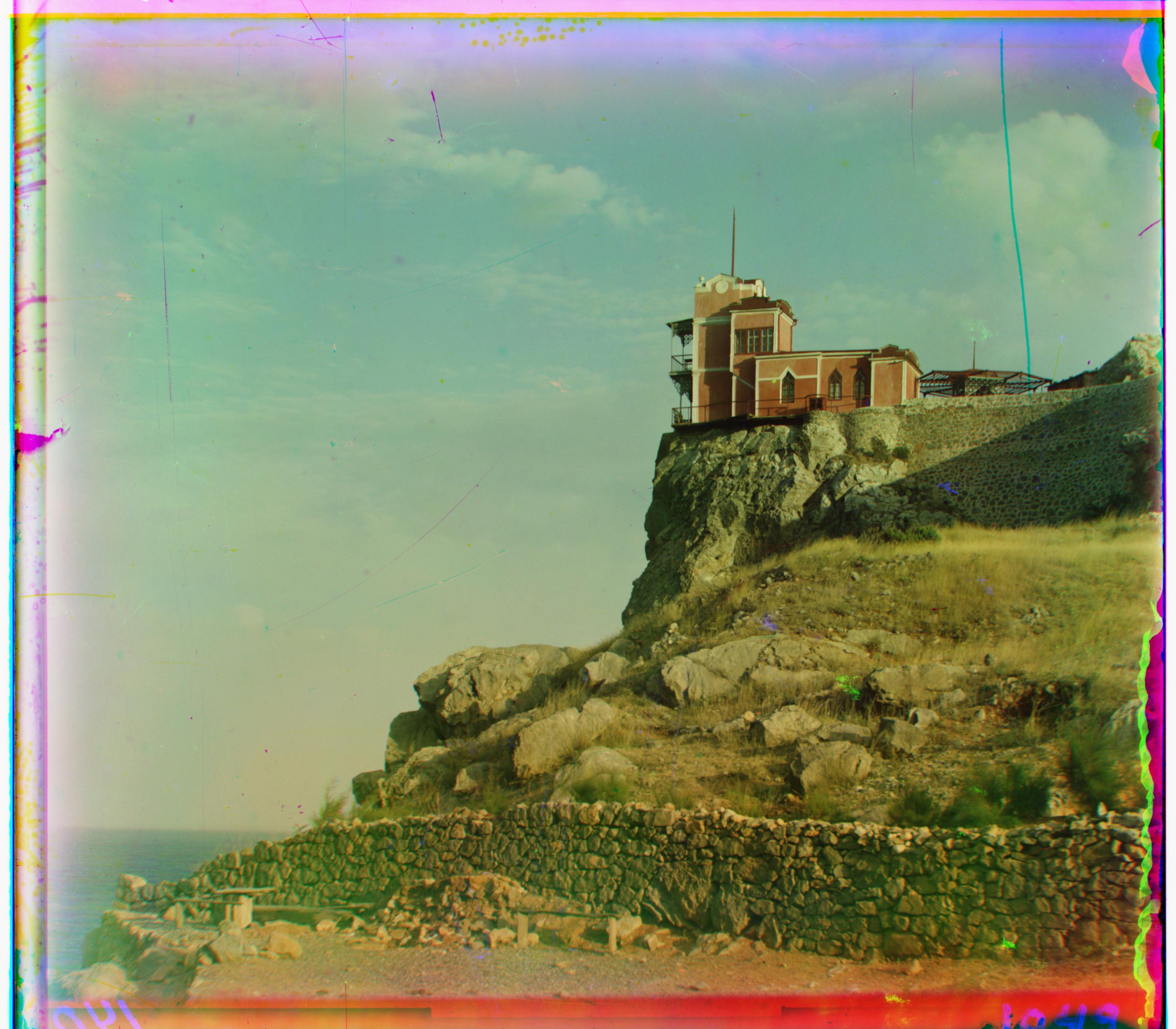
Icon
Best Red Shifts: (23, 89) | Best Green Shifts: (17, 41)
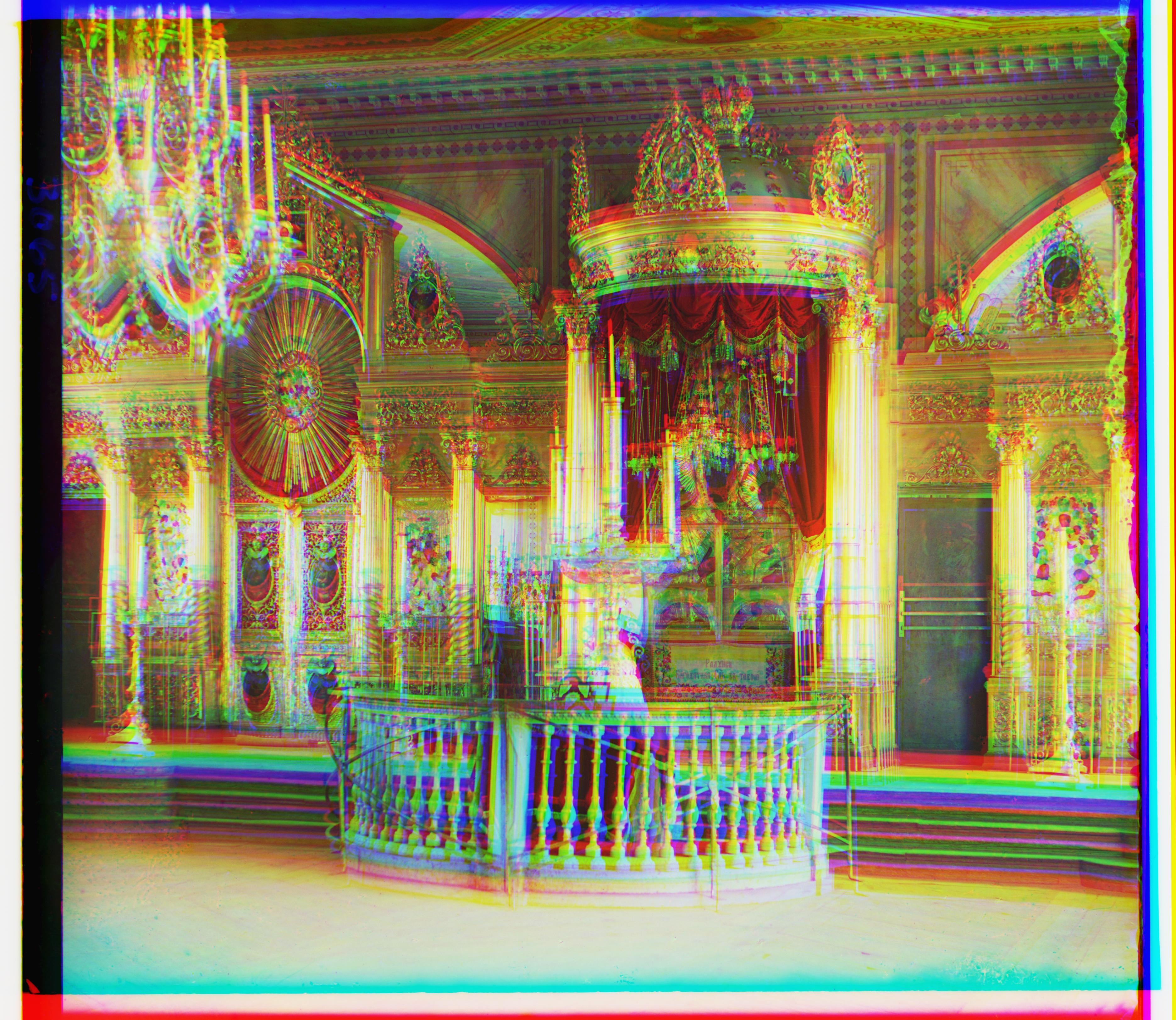
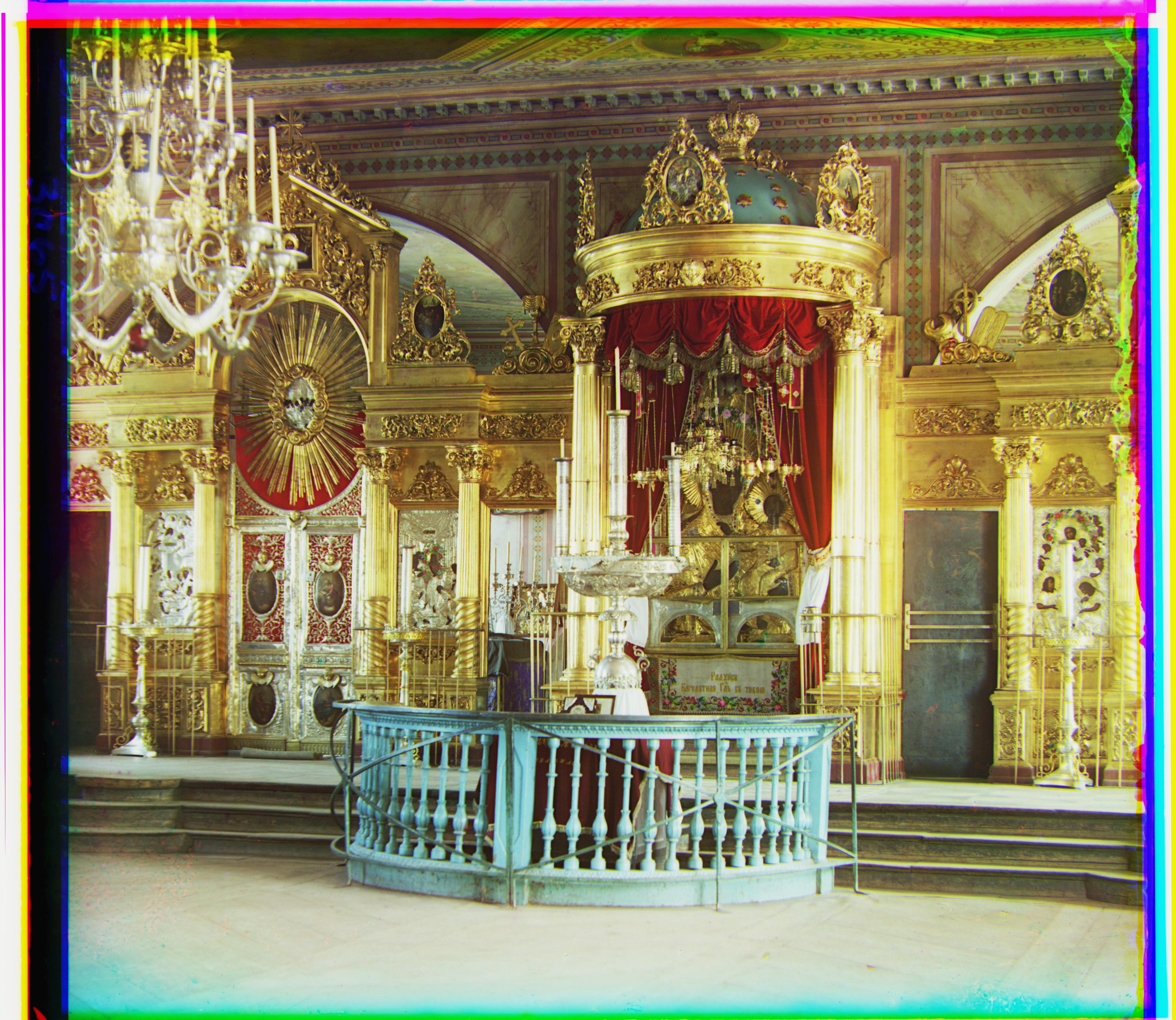
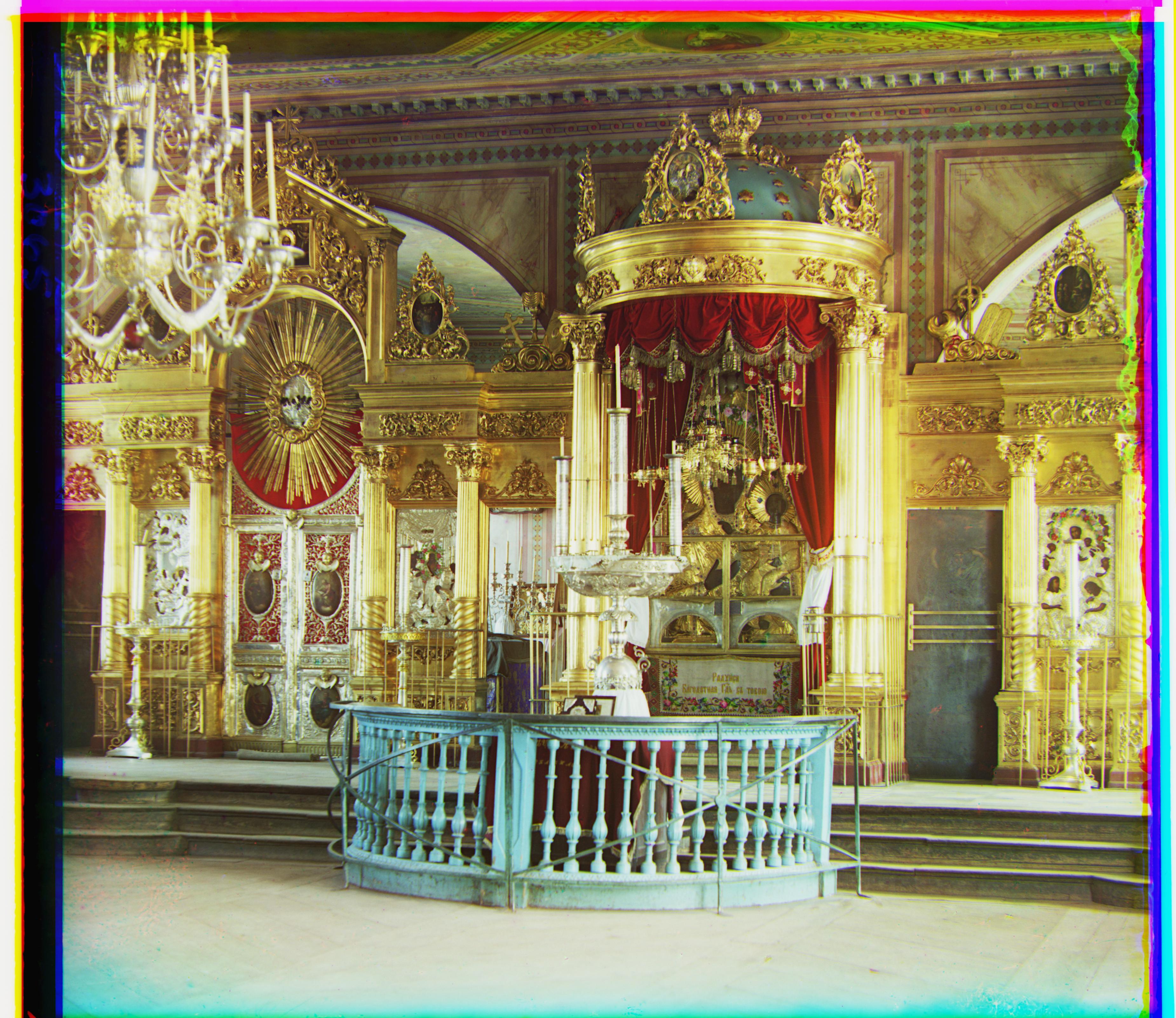
Siren
Best Red Shifts: (-25, 96) | Best Green Shifts: (-6, 49)
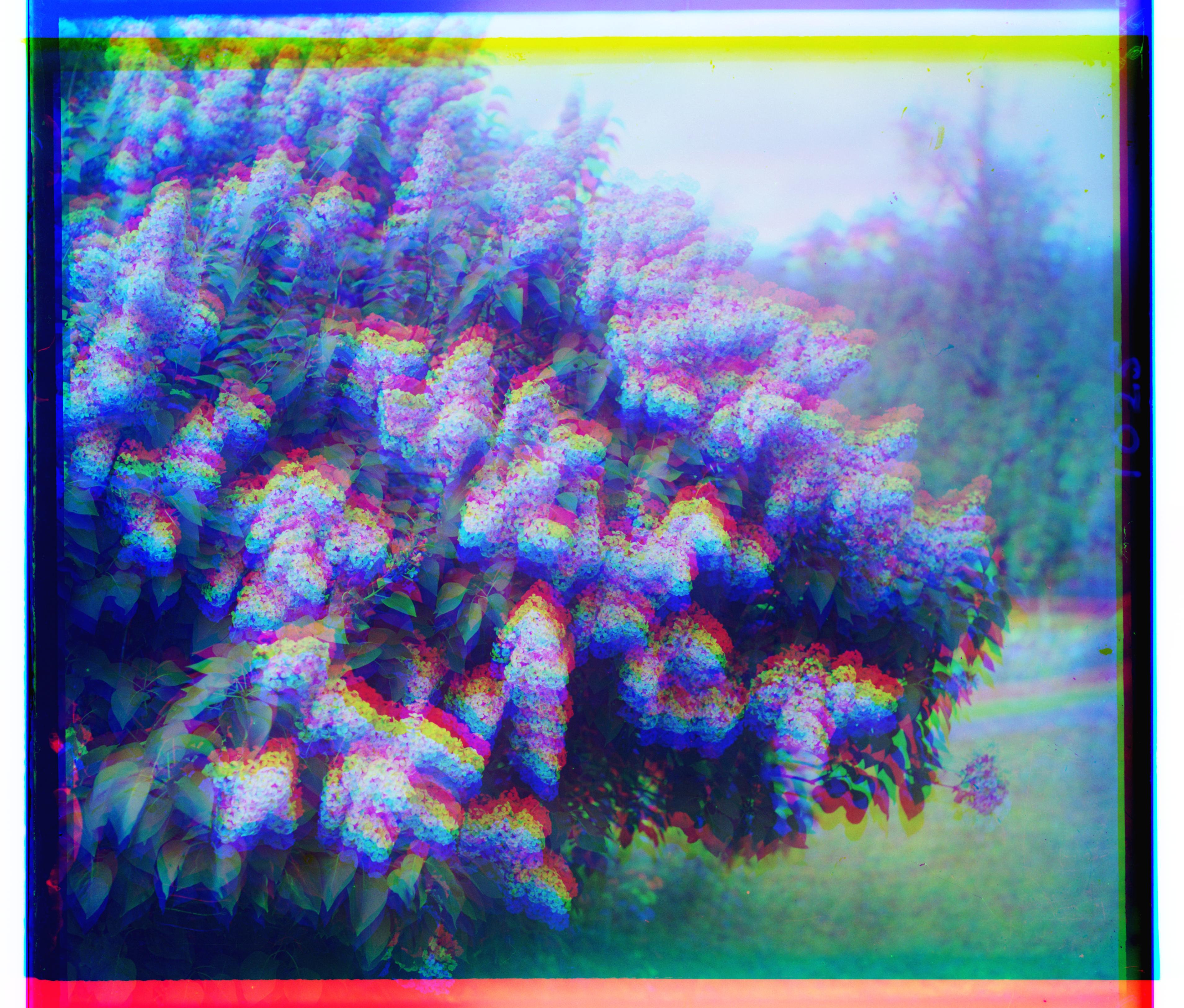
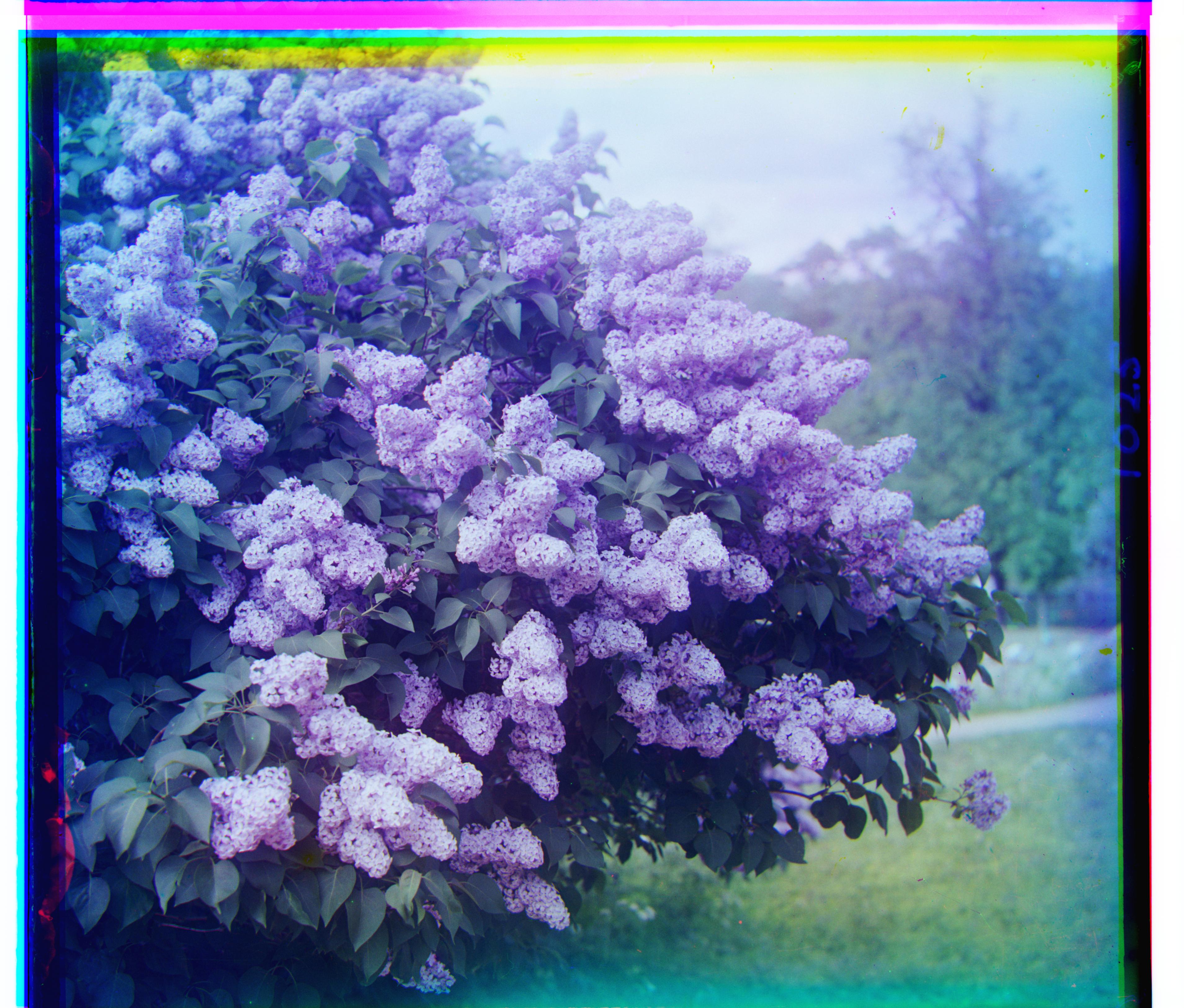
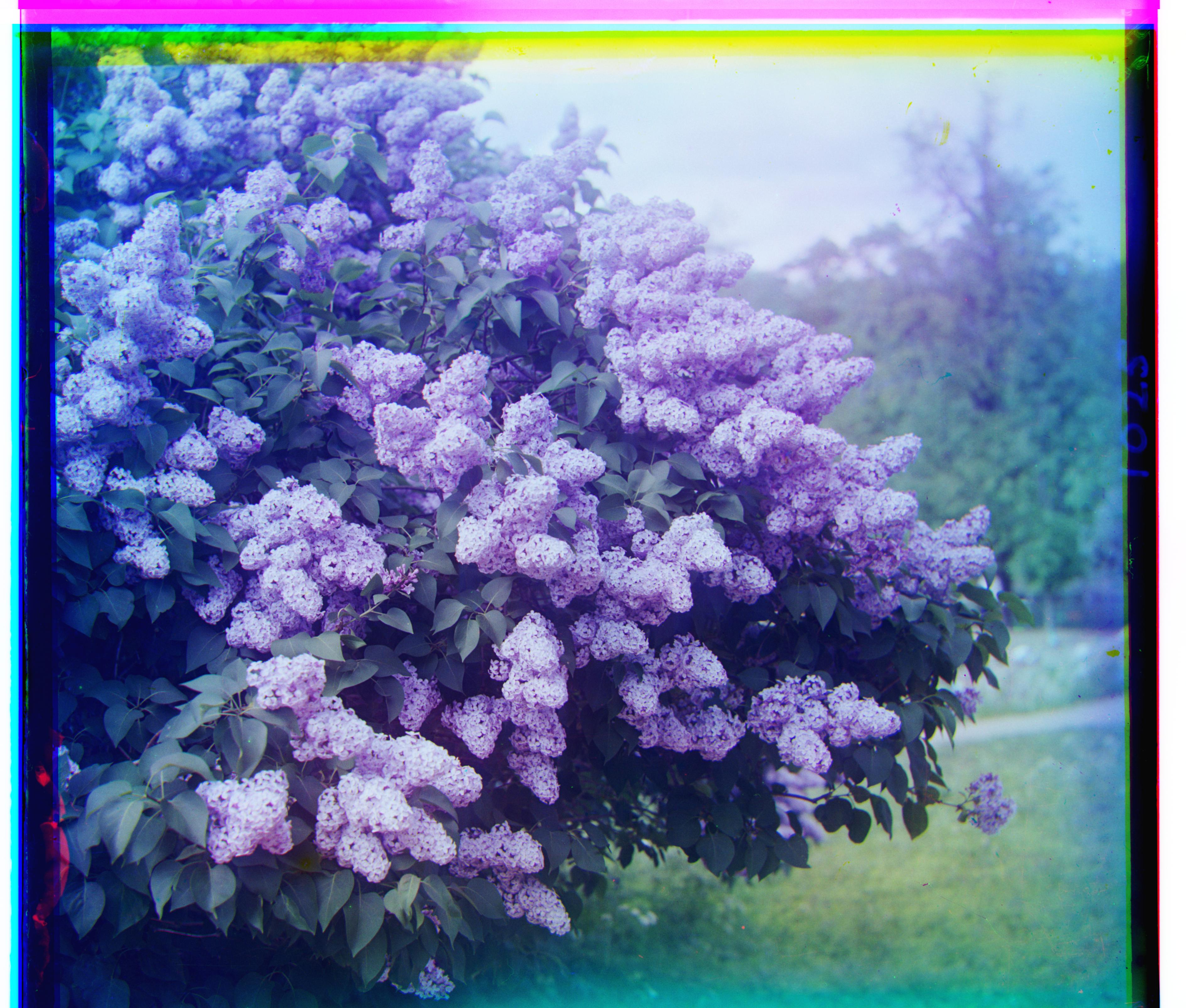
Self Portrait
Best Red Shifts: (37, 176) | Best Green Shifts: (29, 79)
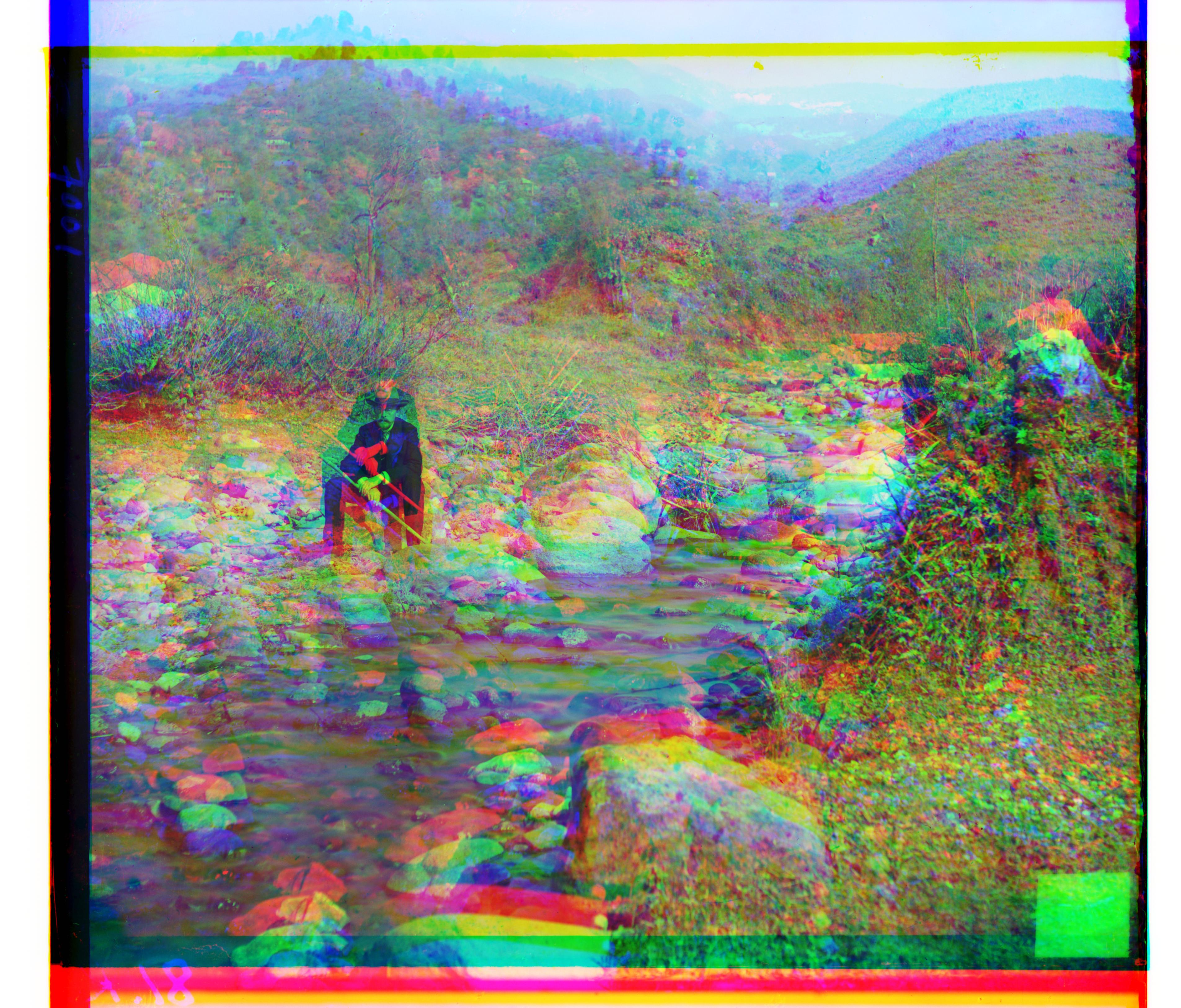
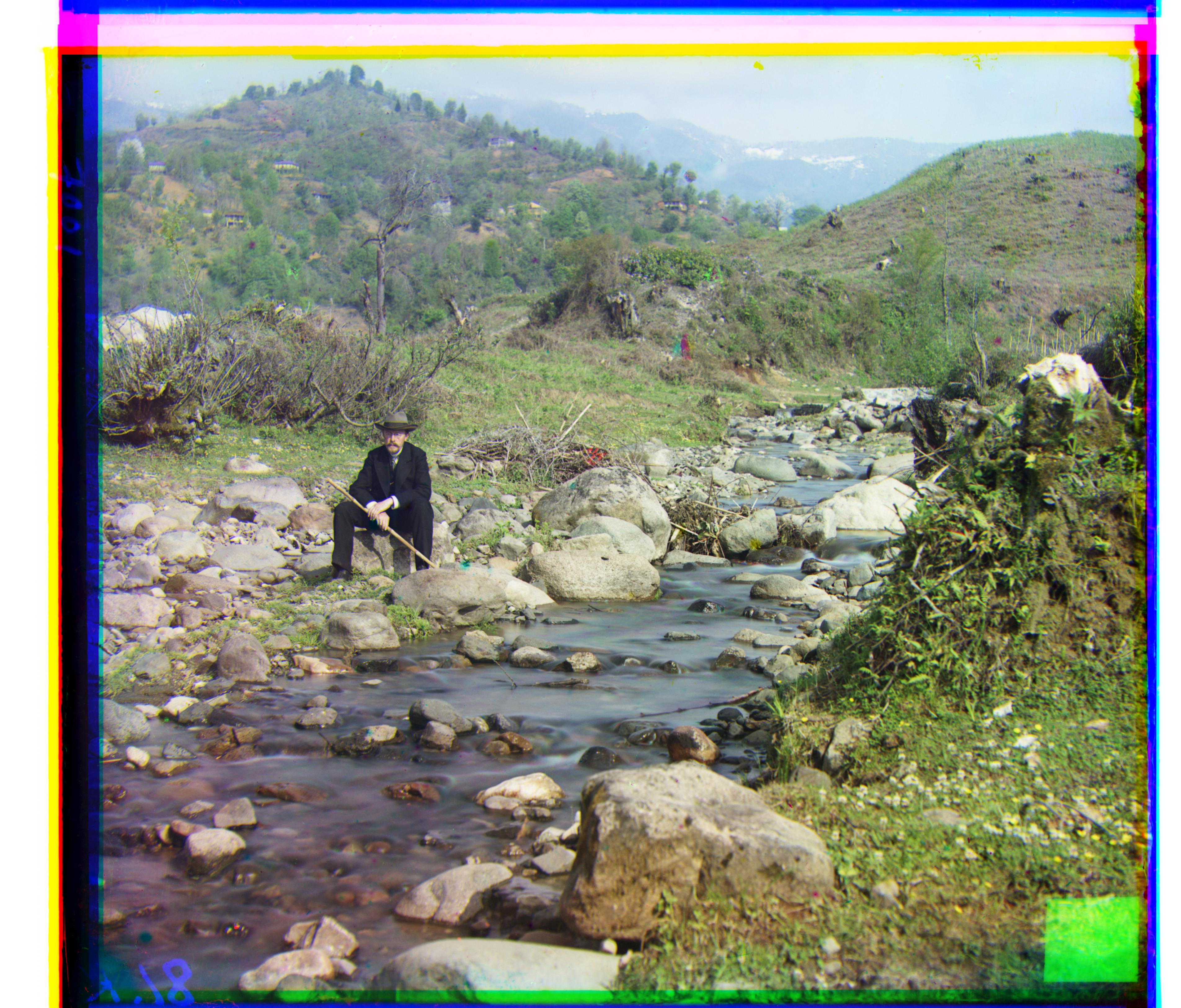
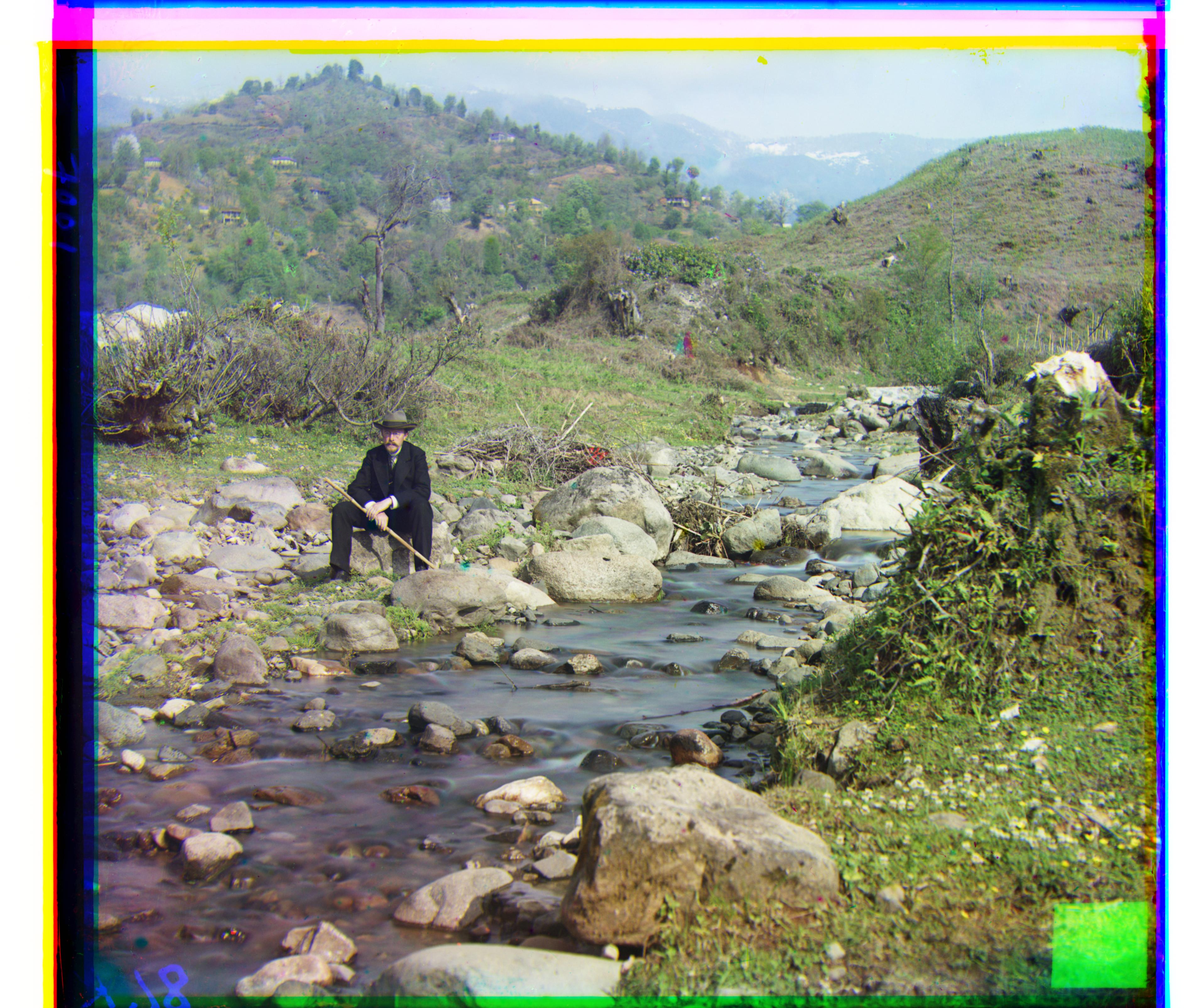
Harvesters
Best Red Shifts: (14, 124) | Best Green Shifts: (17, 60)
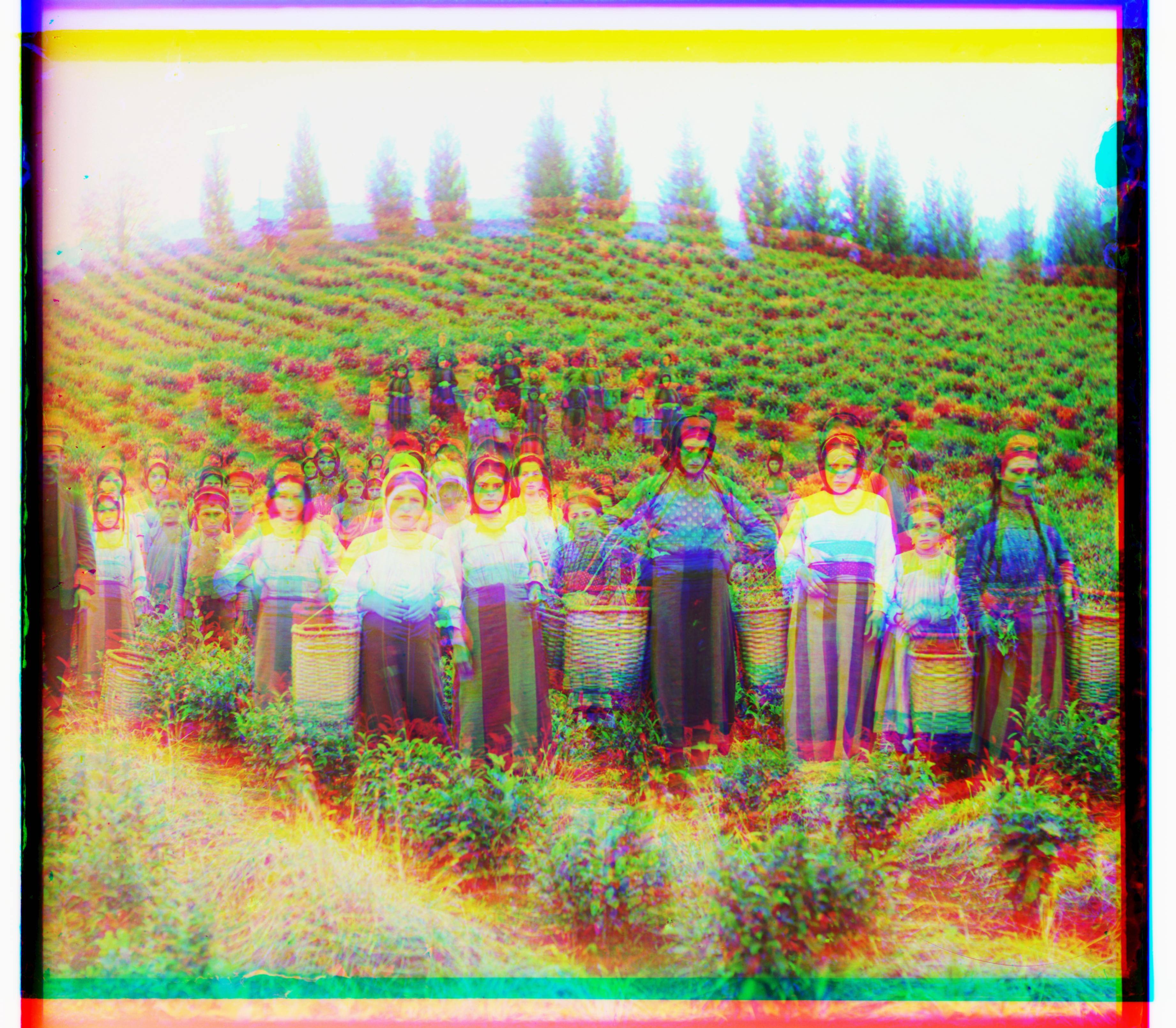
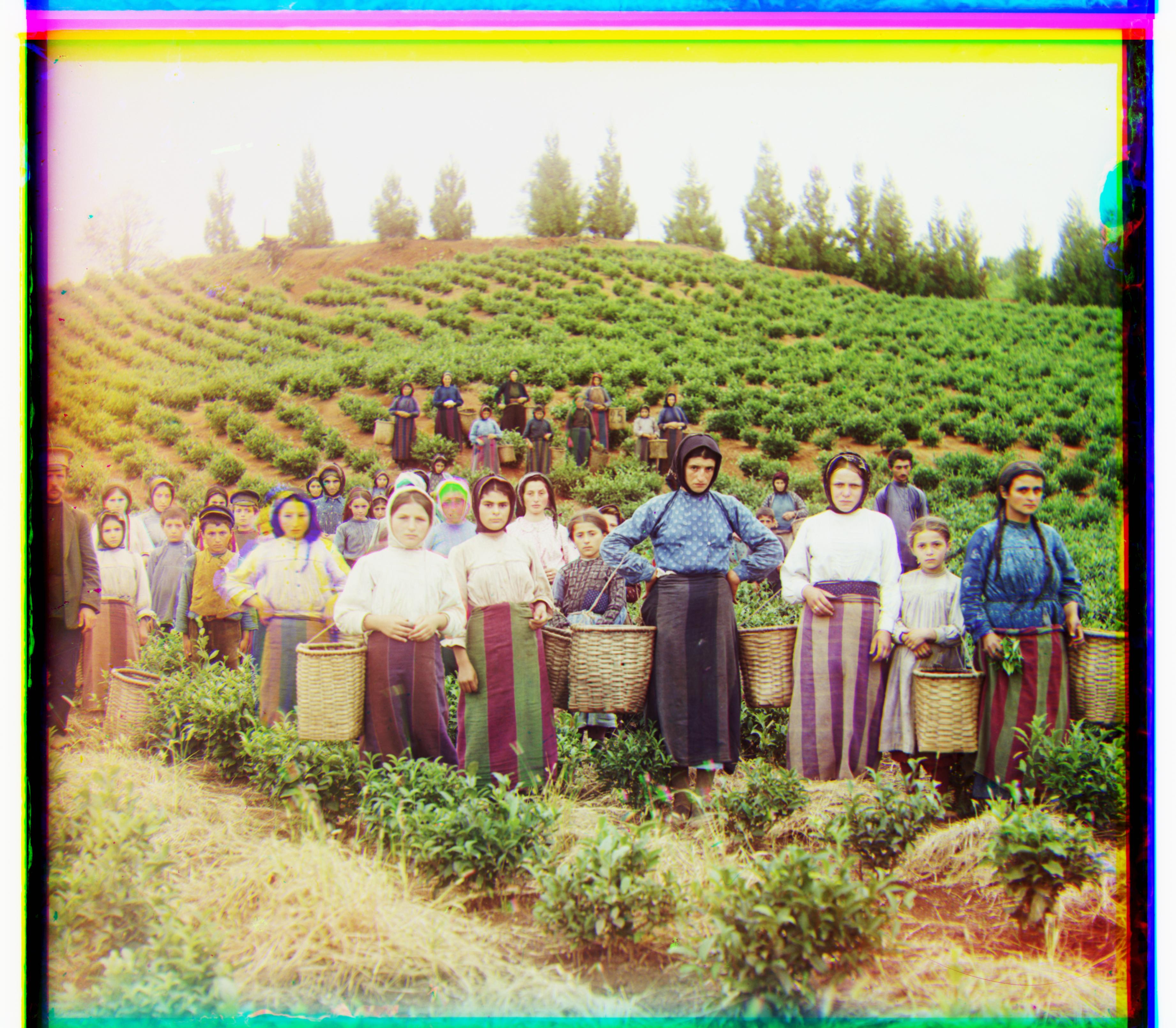
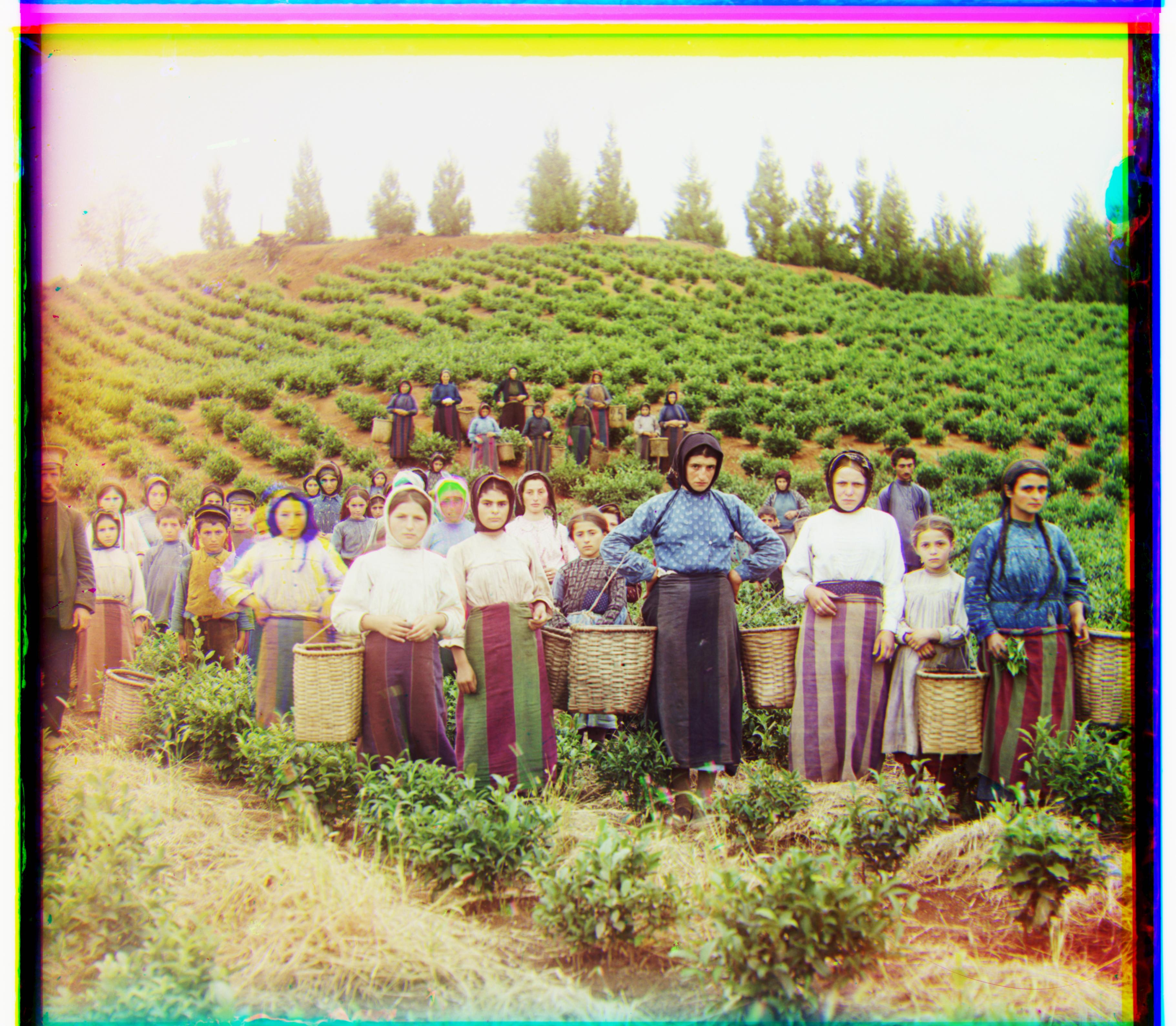
Monastery
Best Red Shifts: (2, 3) | Best Green Shifts: (2, -3)
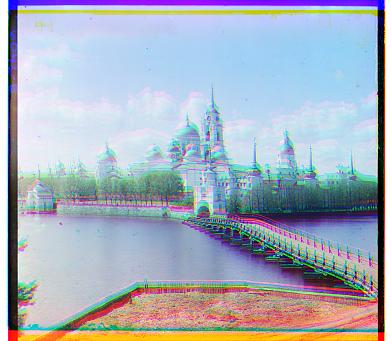
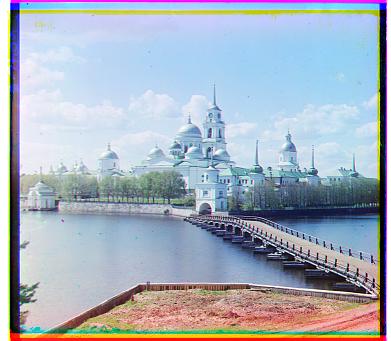
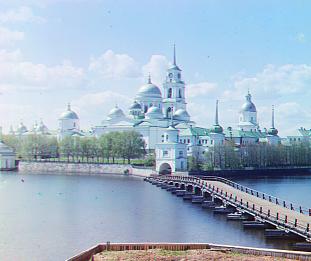
Tobolsk
Best Red Shifts: (3, 6) | Best Green Shifts: (3, 3)
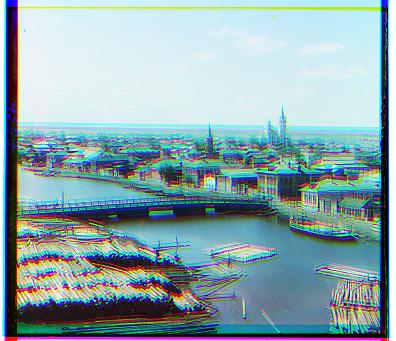
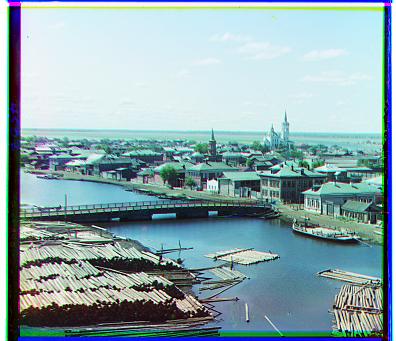
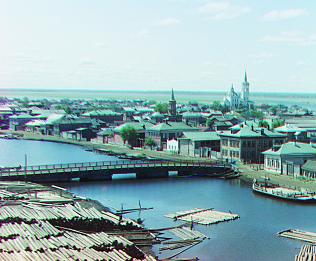
Cathedral
Best Red Shifts: (3, 12) | Best Green Shifts: (2, 5)
My Own Examples
I also processed additional glass plate scans from the Prokudin-Gorskii collection. The first was a high resolution tif image. The second is a lower resolution jpg. Below are the two examples aligned using the same pipeline:
Group of eleven adults and children, seated on a rug, in front of a yurt
Best Red Shifts: (49, 130) | Best Green Shifts: (31, 58)
![[Group of eleven adults and children, seated on a rug, in front of a yurt]](alignment_results/hut/hut_cropped.jpg)
[Group of eleven adults and children, seated on a rug, in front of a yurt] Not too bad. High resolution images will of course be shakier.
V Alupkie. Krym
Best Red Shifts: (-3, 14) | Best Green Shifts: (-1, 3)
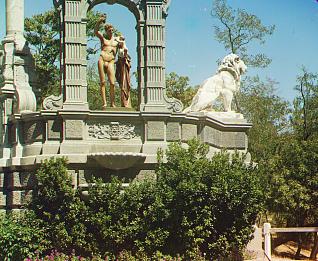
[V Alupkie. Krym] As expected, a better alignment for a lower res image.
Failures and Future Improvements
Although the alignment pipeline works reasonably well overall, two key issues still stand out:
- Residual Color Fringing: Many outputs still show colored outlines (red, green, or blue) around edges, especially in high-contrast regions such as clothing, trees, and buildings. Future Fix: This could be reduced by refining the search with sub-pixel alignment or gradient-based optimization, rather than relying solely on integer pixel shifts.
- Different brightness per channel: the robe is very bright in Red but not in Blue/Green, so raw pixel scores get confused.
- Strong borders/artifacts: thick edges around the scan pull the alignment toward the wrong shift.
- Busy patterns: lots of fine, repetitive details create false matches, especially at the coarser pyramid levels.
Particular Image Problem Areas: The Emir
How I Tried to Fix Emir
- Trimmed borders more: increased border trim (≈8% -> 10%) to ignore black frames and scan artifacts.
- Stronger pyramid search: added a level and used a slightly larger search window at each scale.
Together, these fixes made a small, but noticeable difference.
Bells and Whistles
Unfortunately nothing. I tried to get the overlap crop to work, but it took too long and I have other homework.